
When your employer invites you to AutoCount HRMS, you will receive an email invitation to activate to access your account for the first time.
Follow the guide below to accept your HRMS account invitation and log in to your account.
Steps to Accept an Invitation:
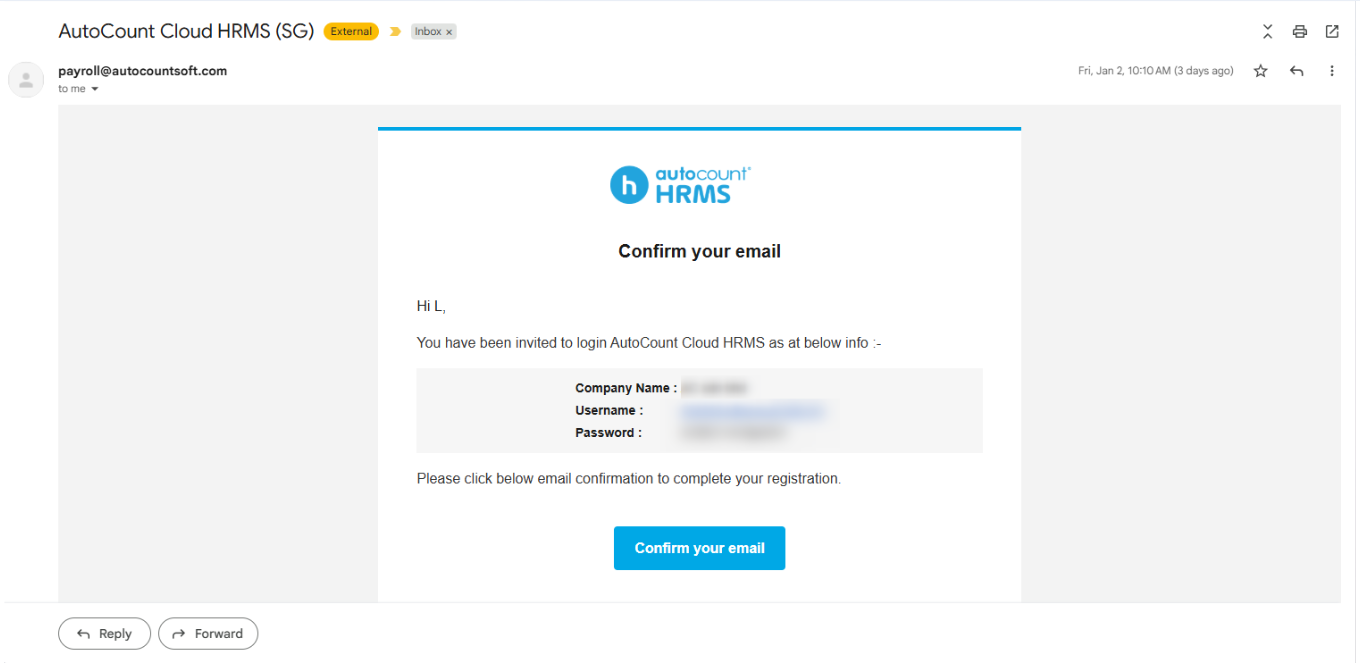
1. Check your email inbox for the AutoCount HRMS invitation email, which includes your username and a temporary password.
2. Click Confirm your email in the invitation email.
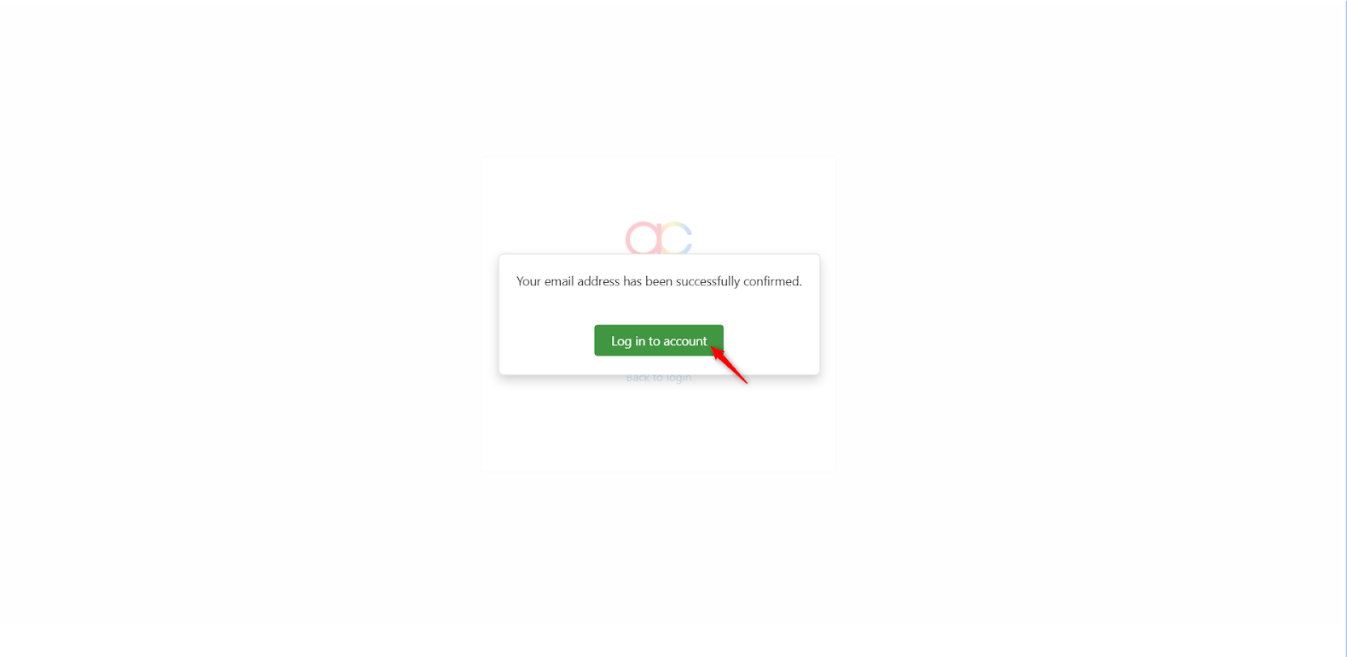
3. Click Log in to account.
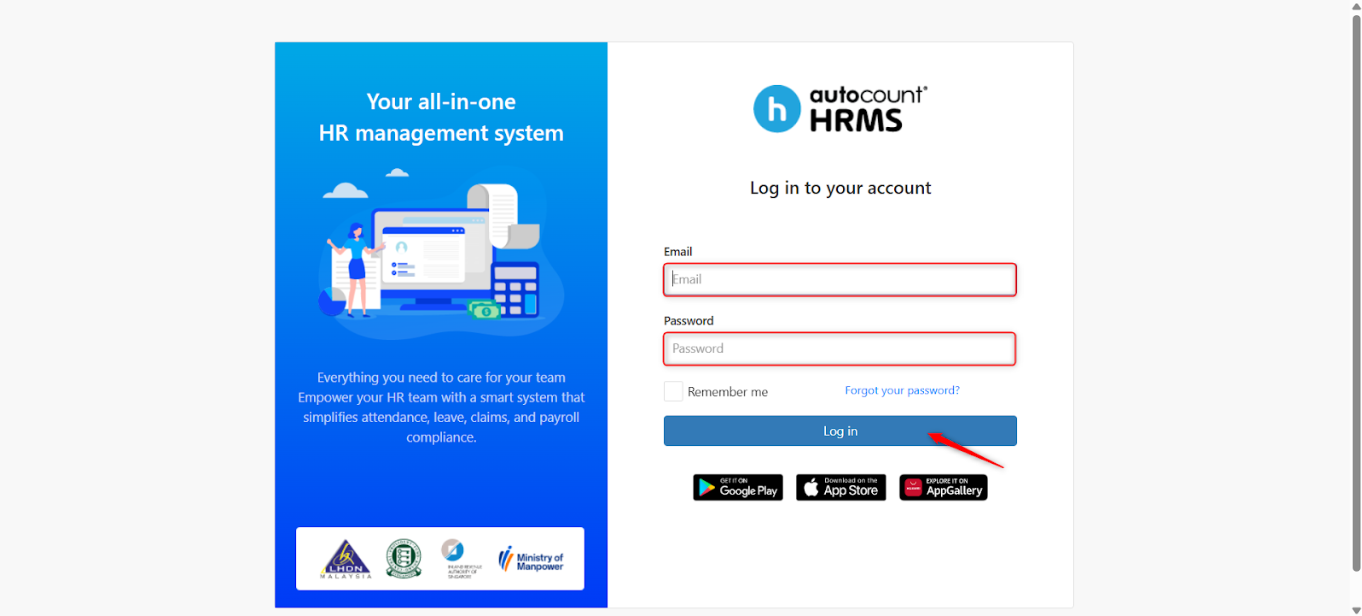
4. You may log in to your HRMS account from the log in page using the temporary password provided.
Written by: Teah Rui Harn (20260105)
Reviewed by: Tek Ee Lin (20260112)