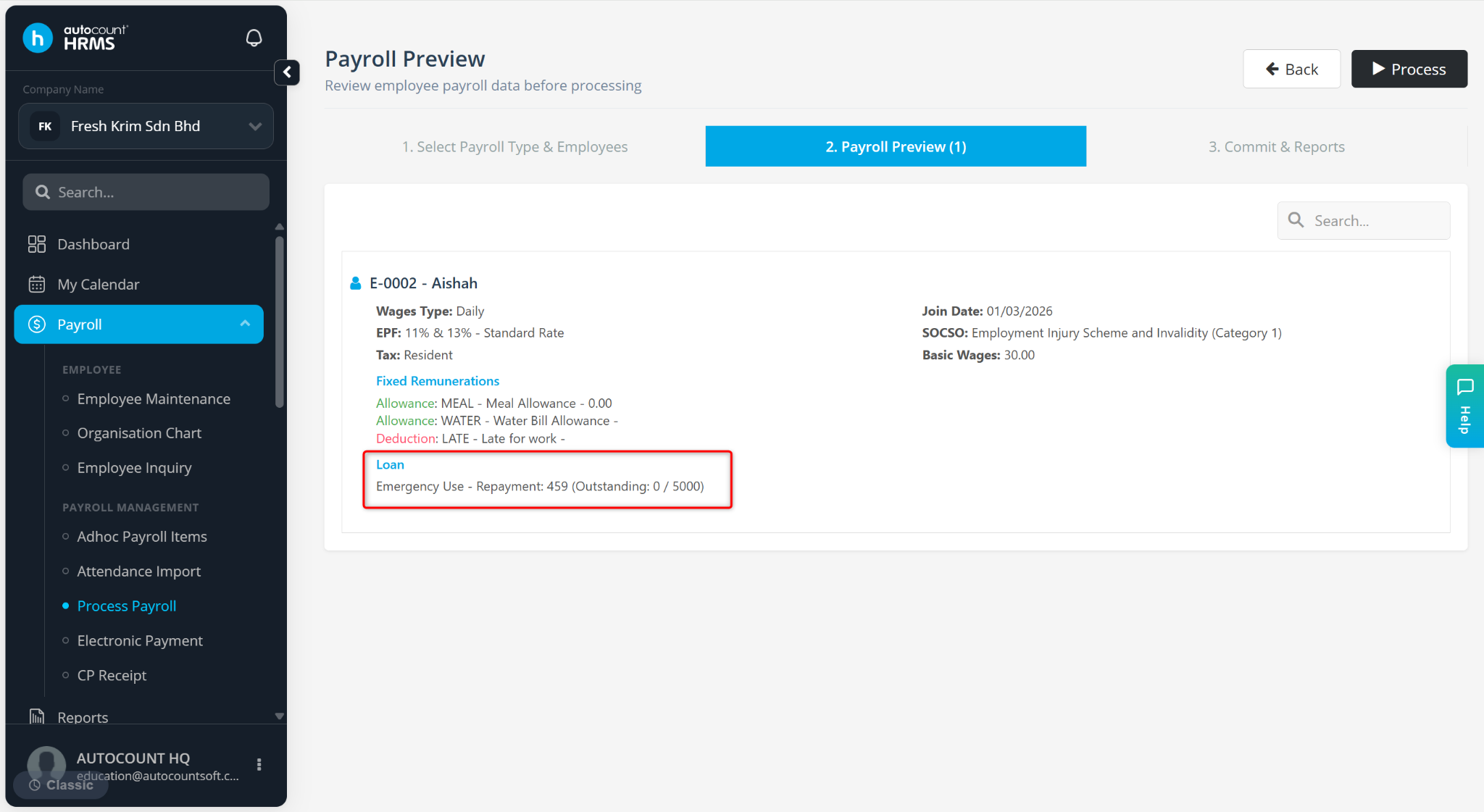
Loan allows users to set up employee loan records and automate monthly salary deductions during payroll processing. Loan repayments are deducted automatically based on the configured repayment schedule.
Steps to Create a Loan:
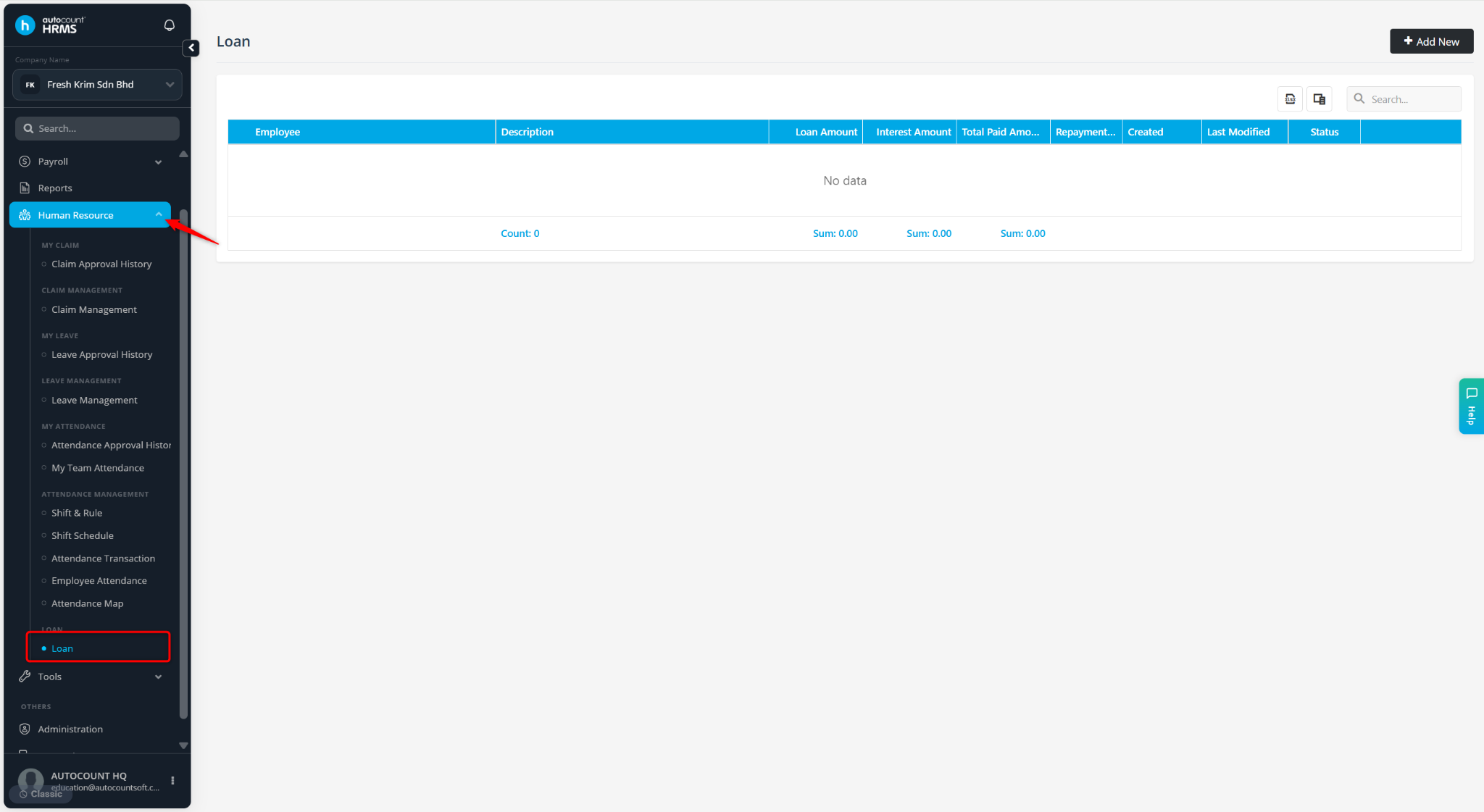
Go to Human Resource > Loan.
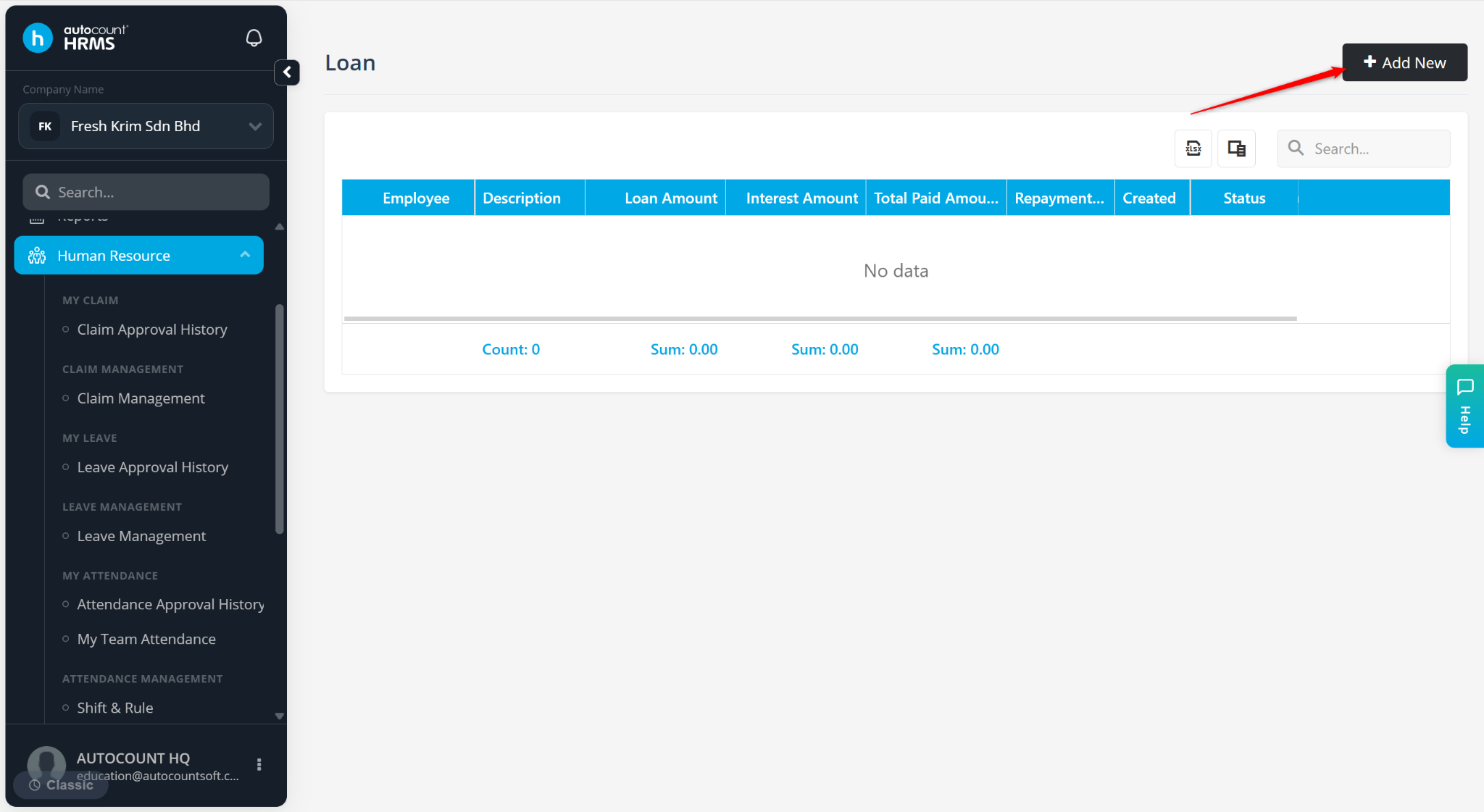
Click Add New.
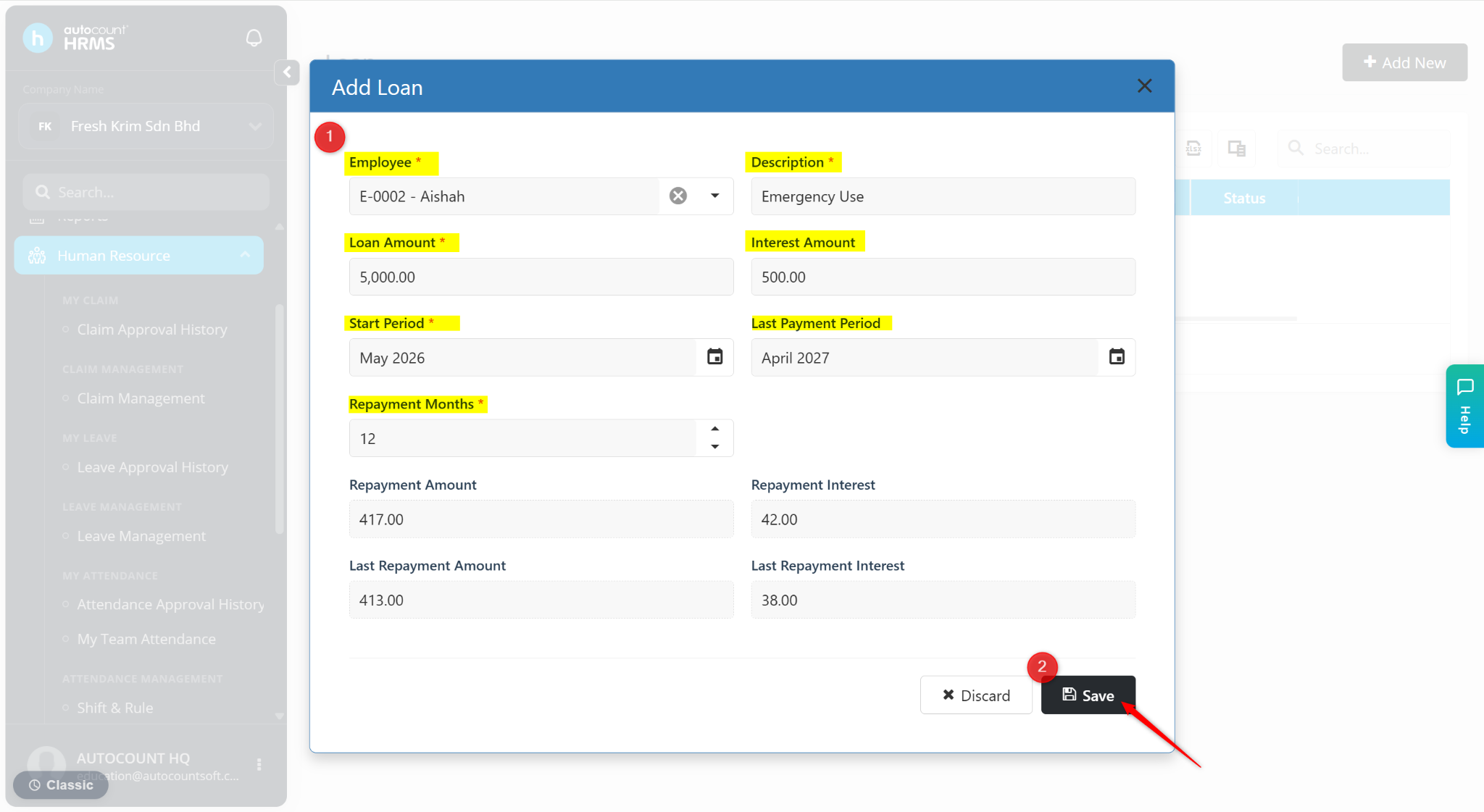
Enter the details:
Employee – Select the employee taking the loan.
Description – Enter the loan purpose or remark.
Loan Amount – Enter total loan amount.
Interest Amount – Enter interest (if applicable).
Start Period – Select repayment start month.
End Period – Select final repayment month.
Repayment Months – Enter total repayment duration.
Note: The following fields will be auto-calculated:
Repayment Amount
Repayment Interest
Last Repayment Amount
Last Repayment Interest
Click Save.
Click the > icon to expand the details.
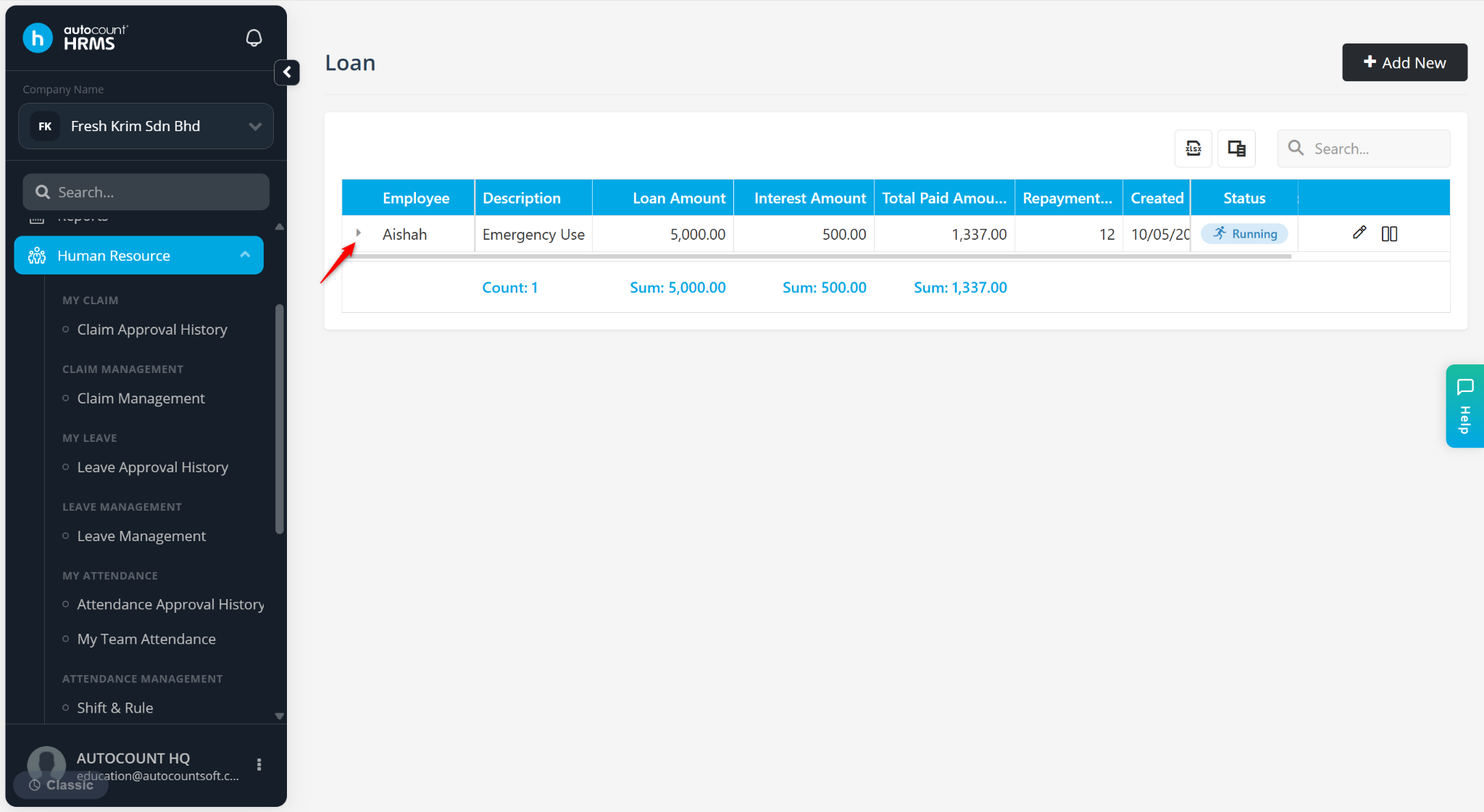
The system will automatically deduct loan repayments during each payroll run.