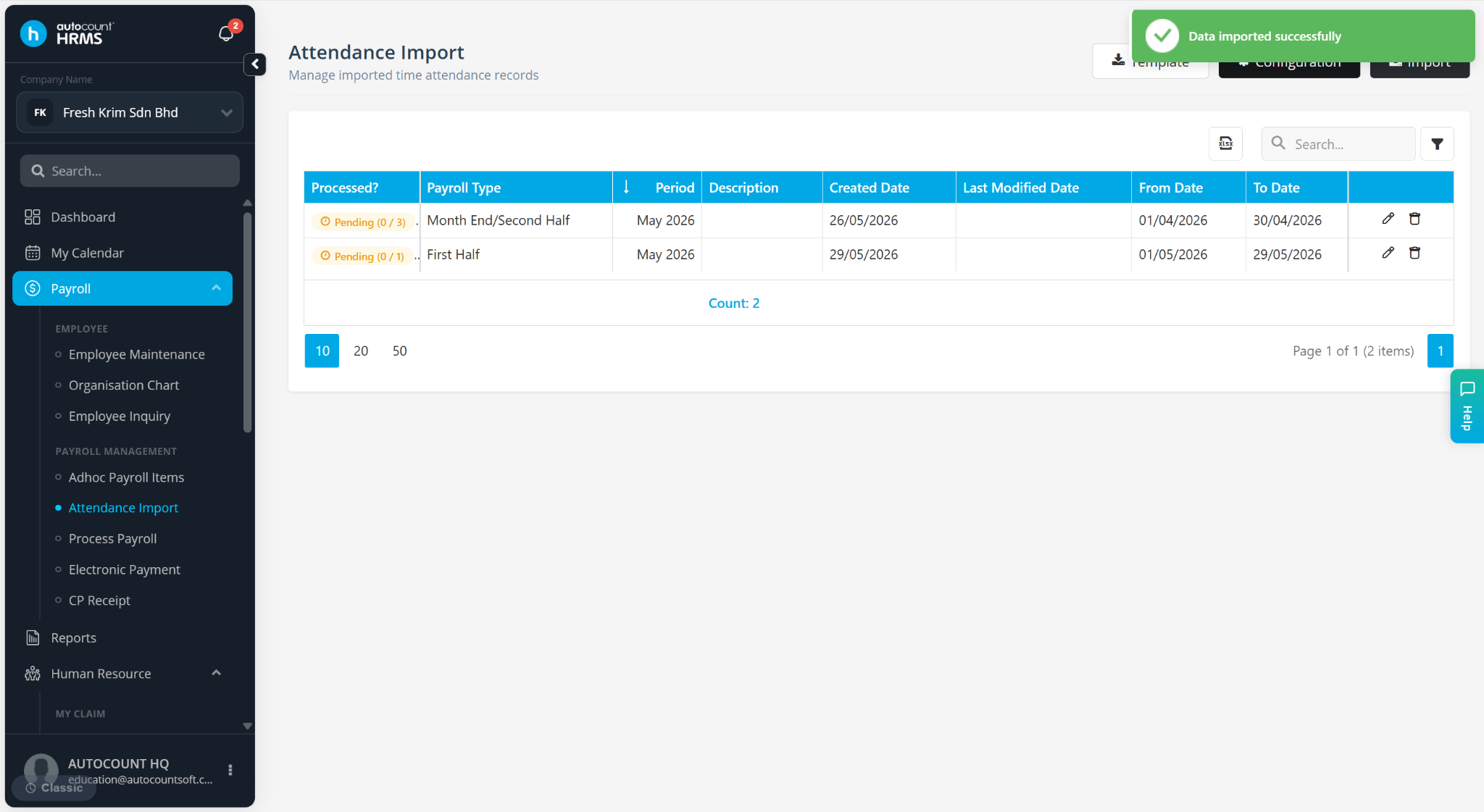
The Time Attendance Import feature allows users to upload attendance records in bulk using an Excel template. Imported attendance records can be used for attendance processing, overtime calculations, and payroll generation.
Steps to import time attendance via excel import:
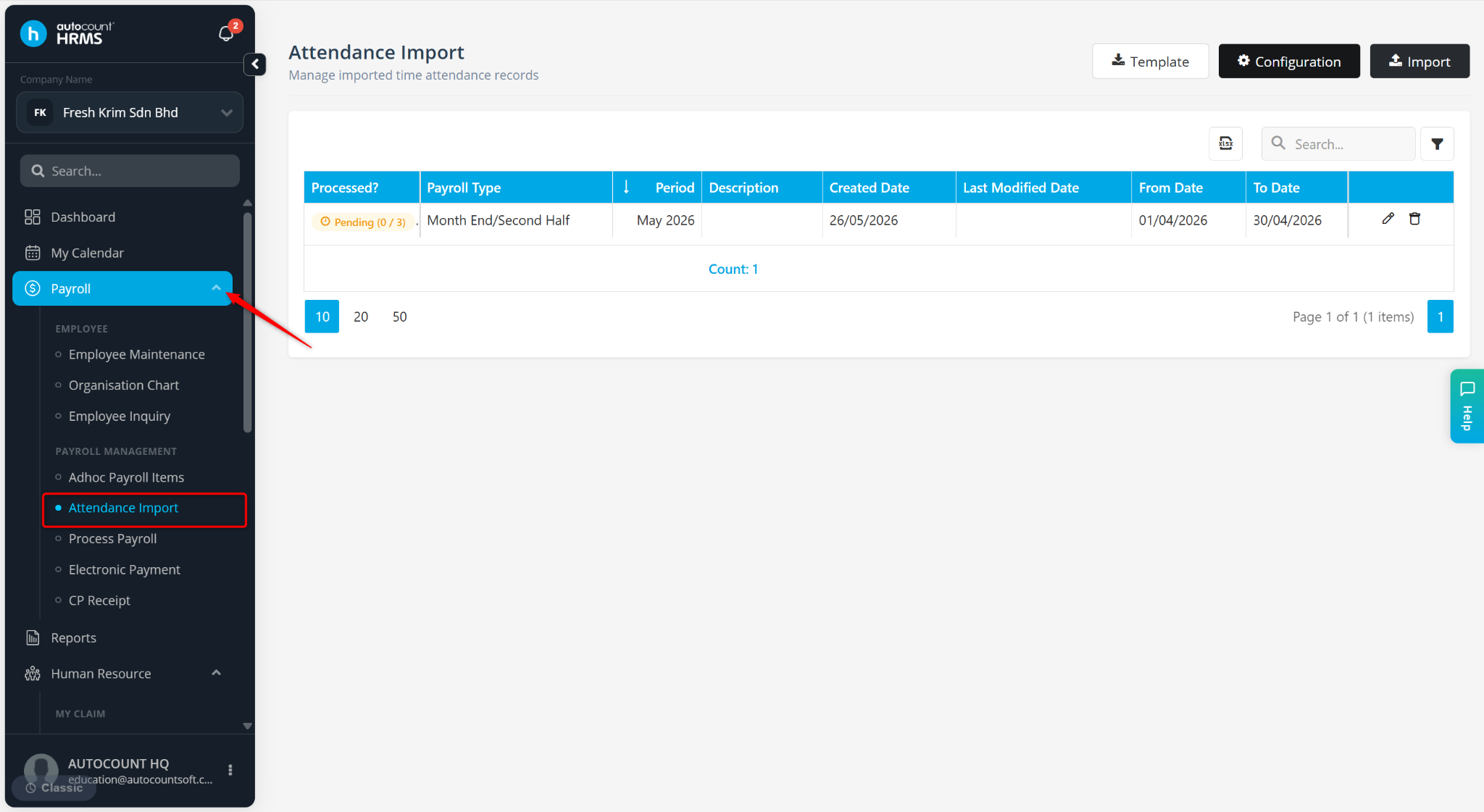
Go to Payroll > Attendance Import.
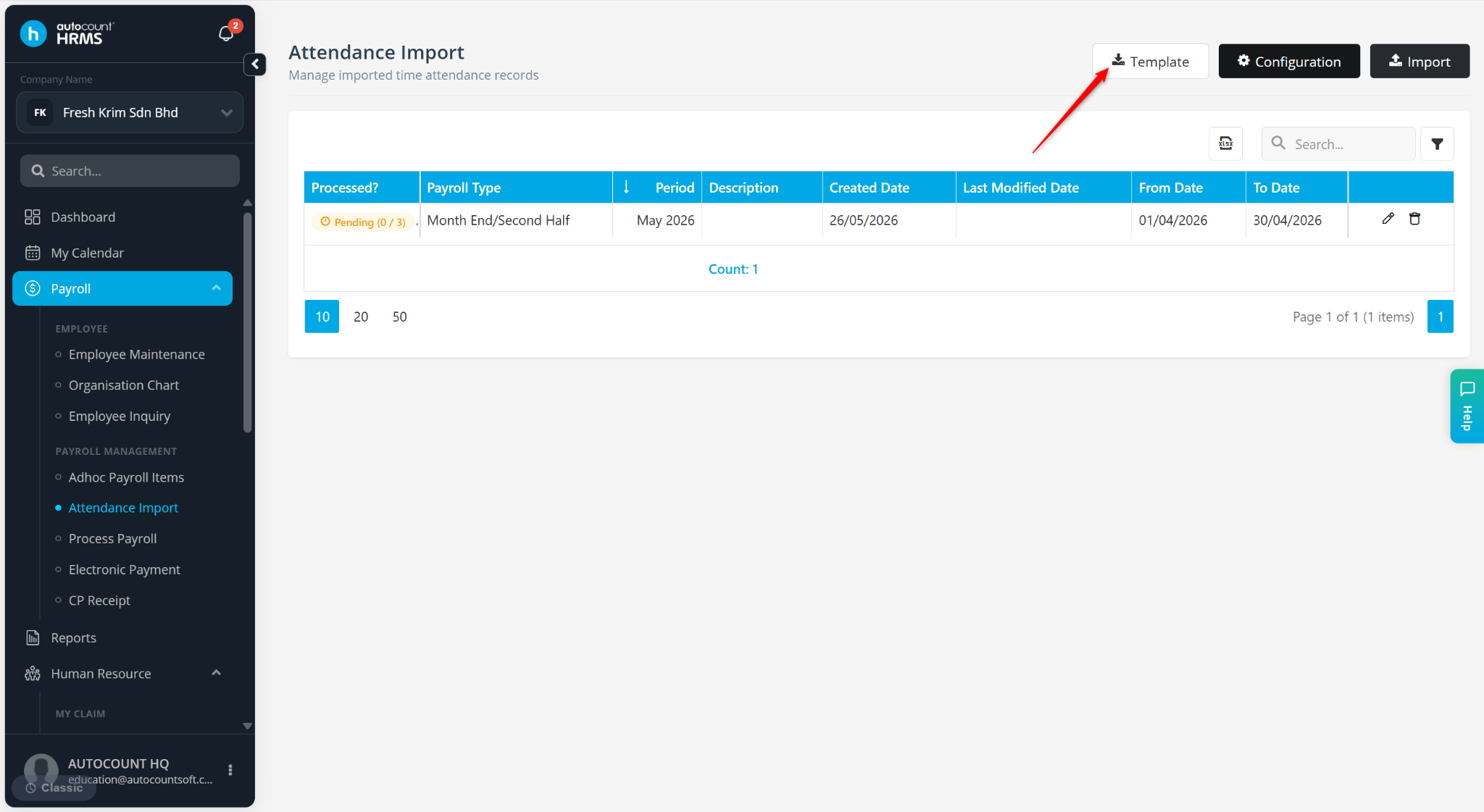
Click Template to download the excel template.
Open the template and enter the attendance details.
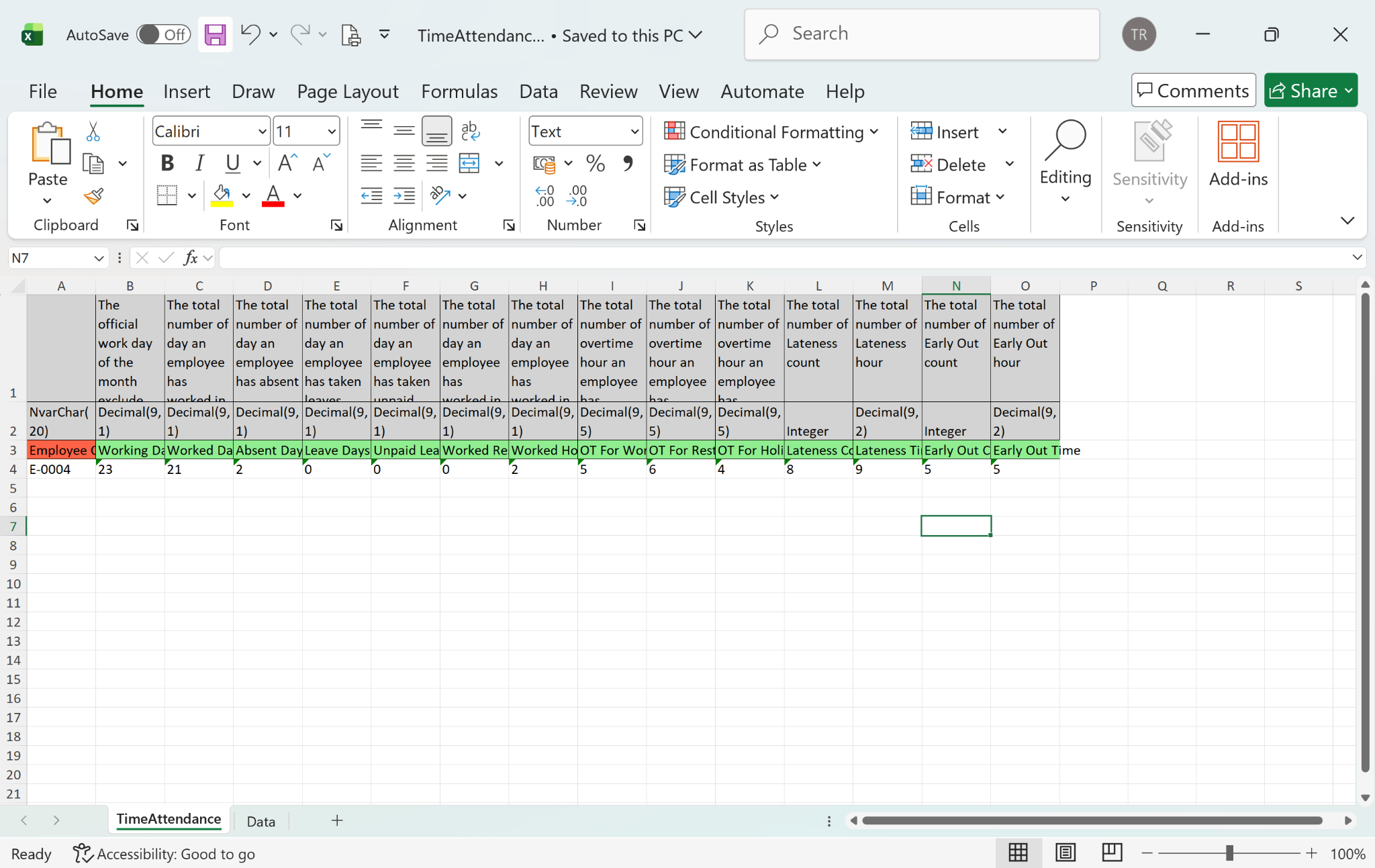
Save the completed Excel file.
Return to the Attendance Import page.
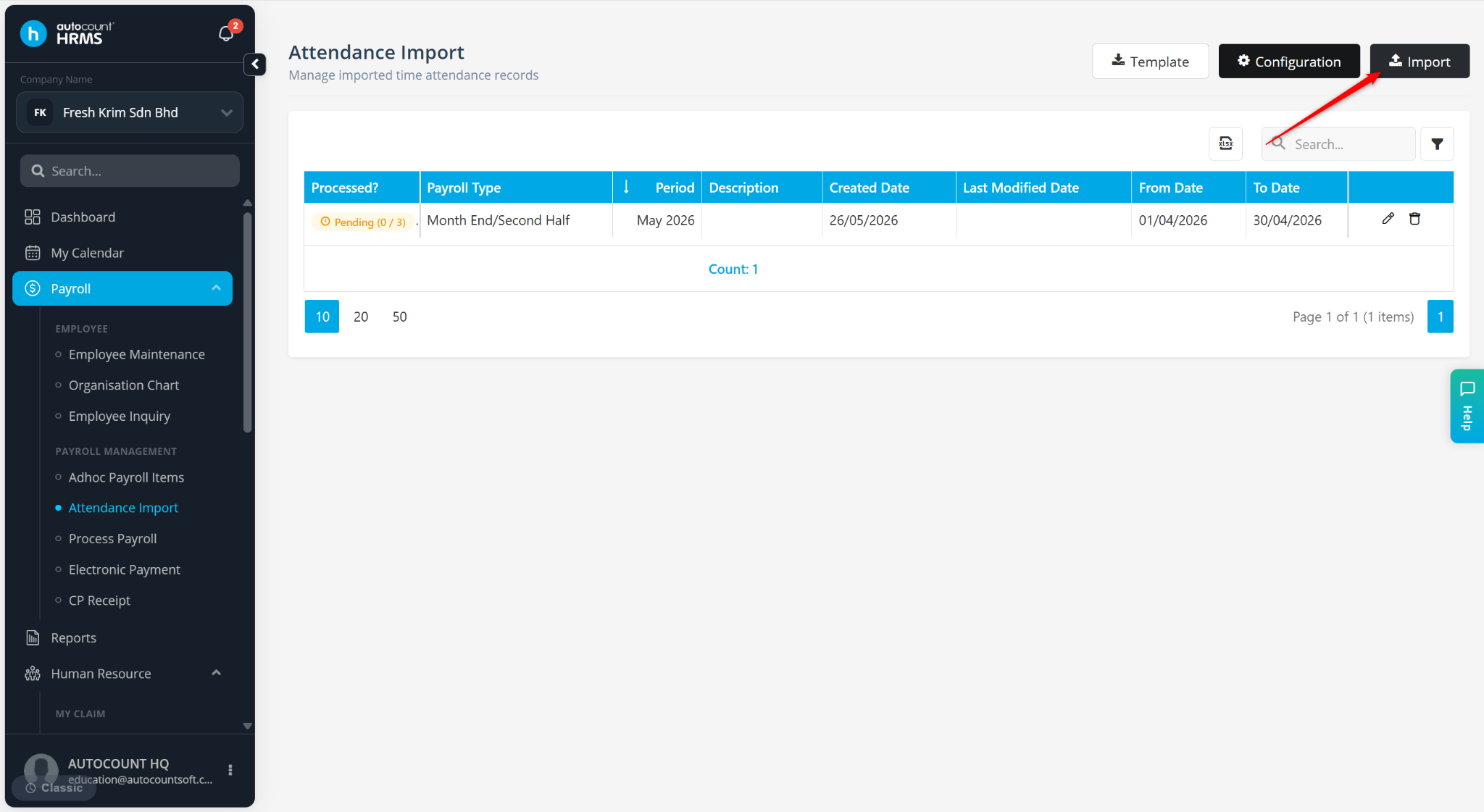
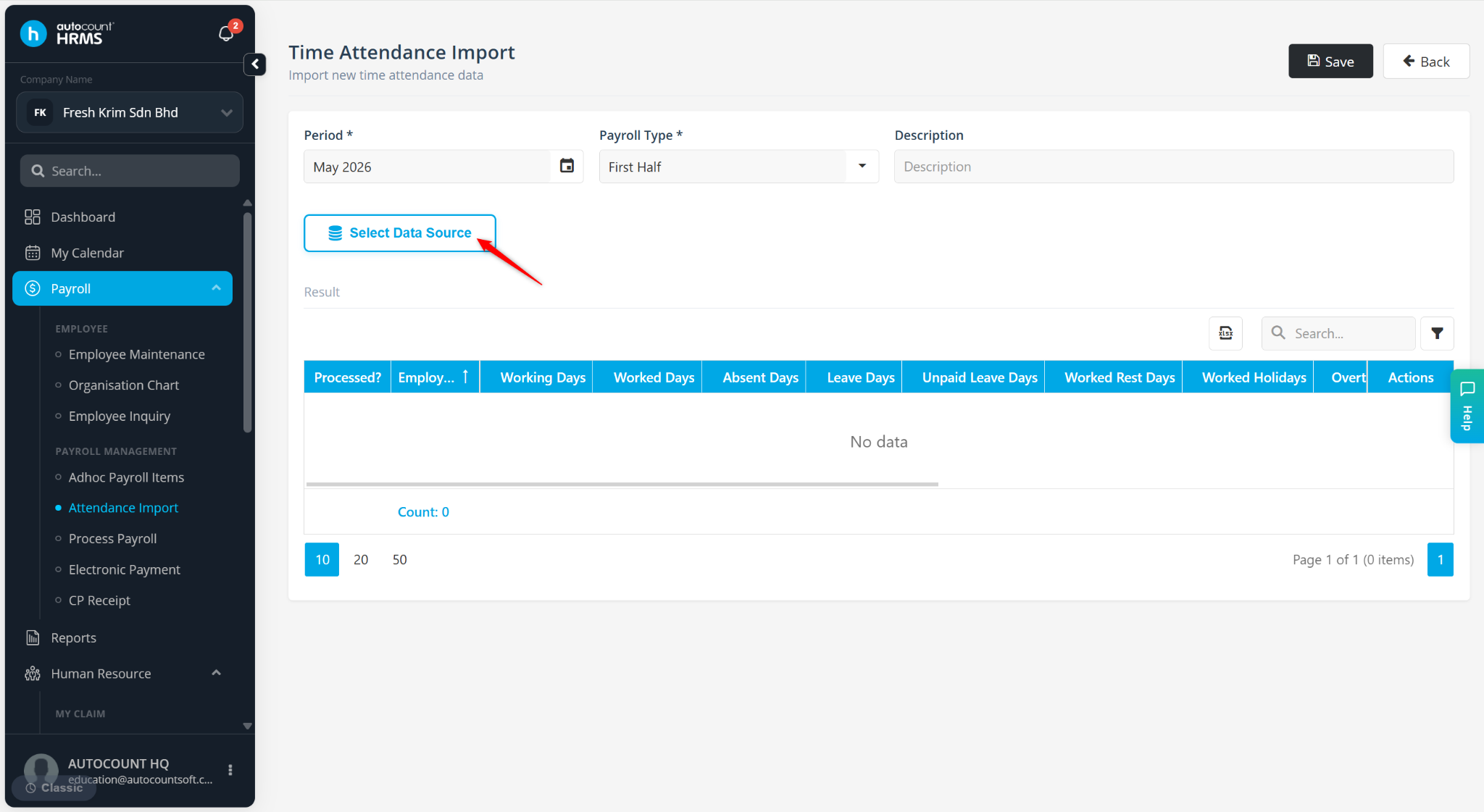
Click Select Data Source.
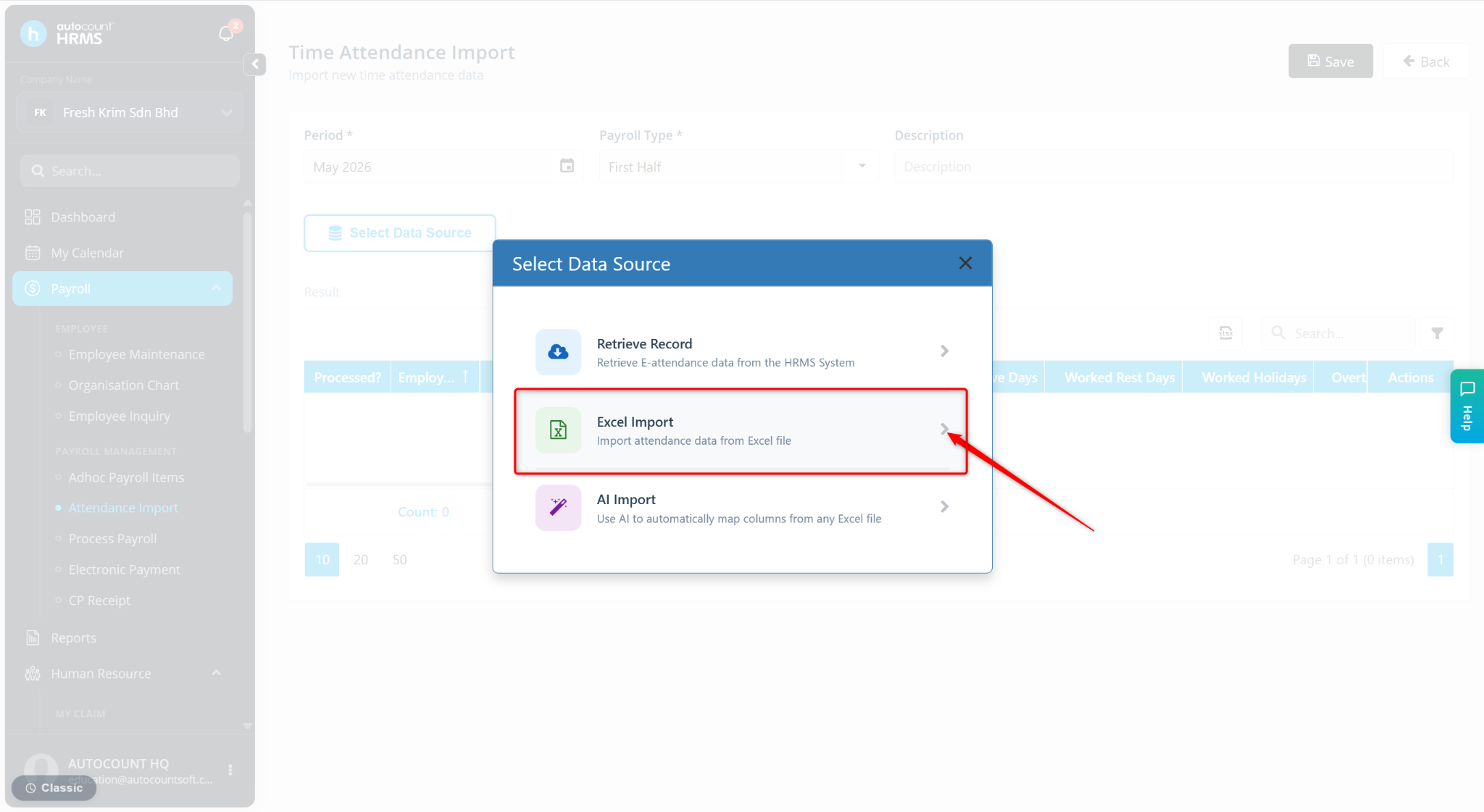
Select Excel Import.
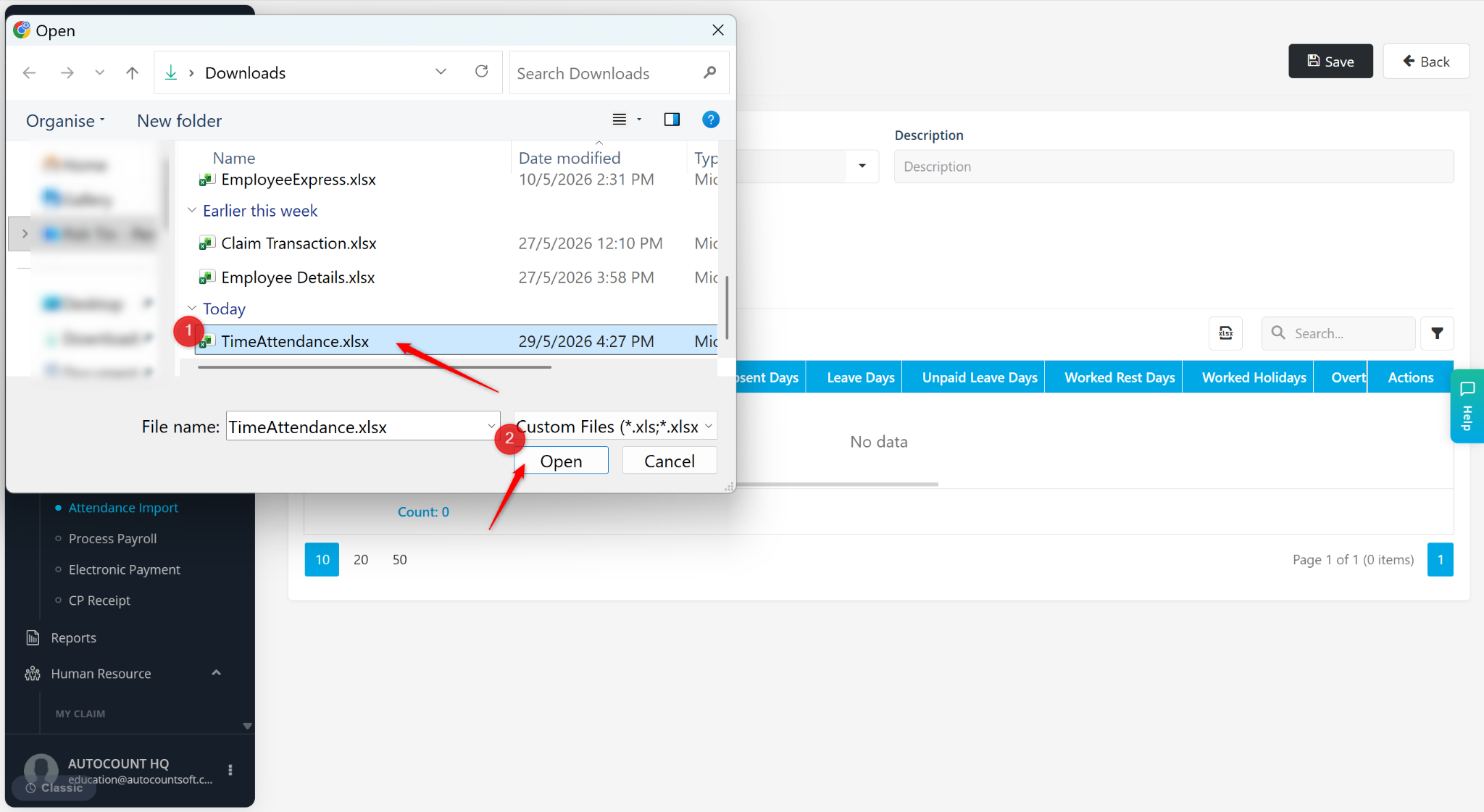
Select the completed Excel file and click Open.
Review the imported data and click Save.
Click the pencil icon to edit an attendance record.
Click the trash bin icon to delete an attendance record.
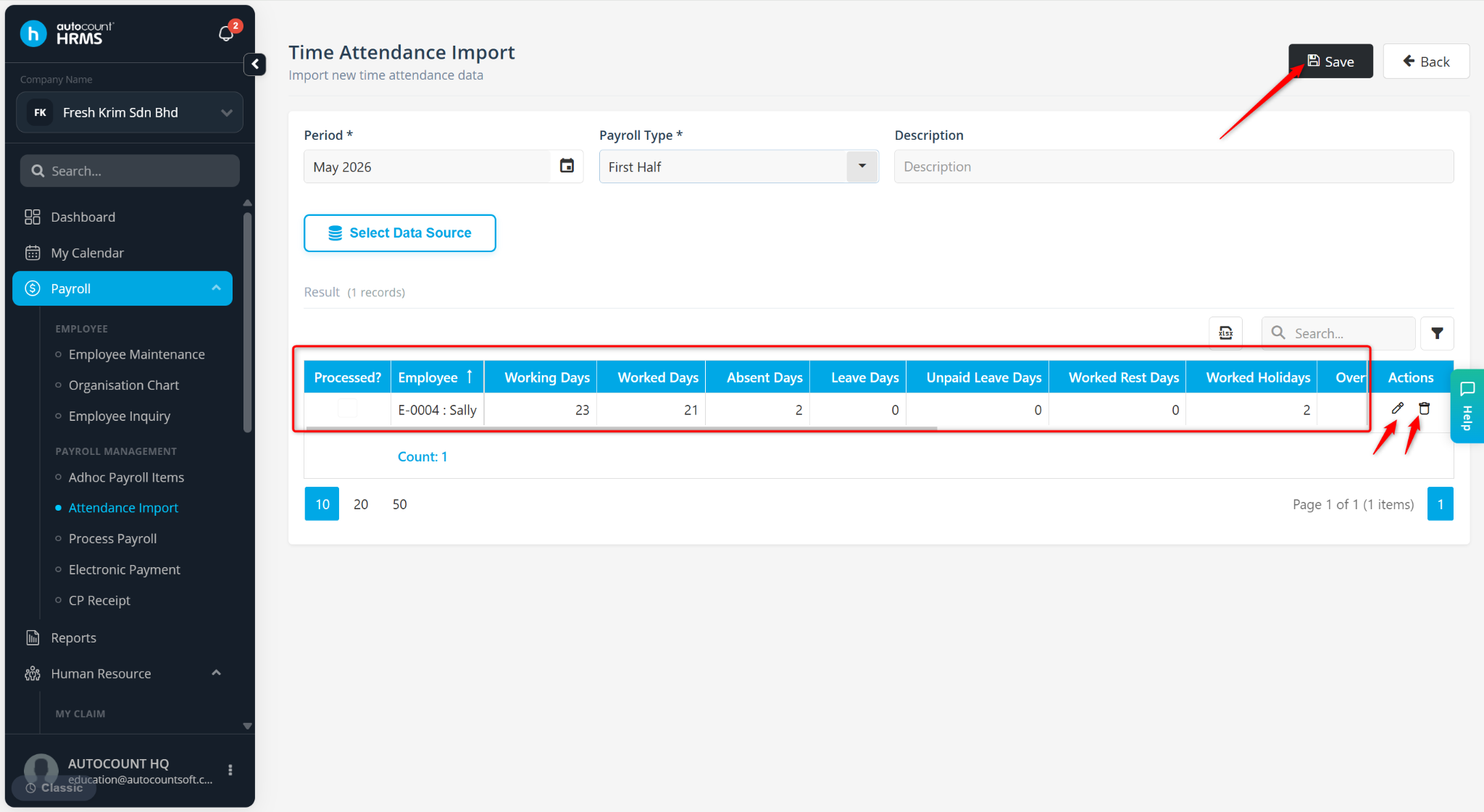
The attendance records will be successfully uploaded into the system and can be used for attendance processing and payroll calculations.