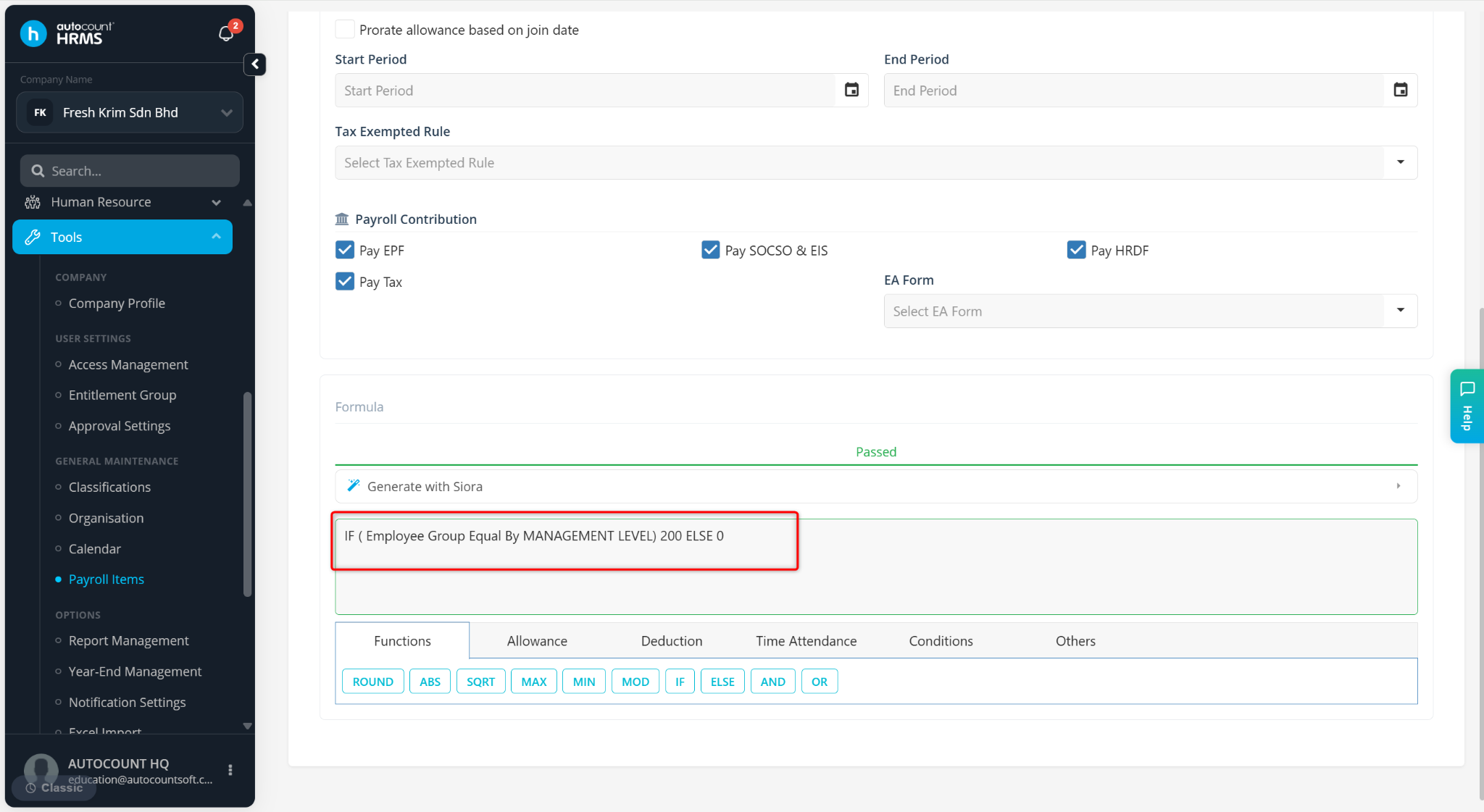
The IF ELSE condition in allowance formulas is used to apply different calculation rules based on employee conditions such as attendance, working days, or employee group.
Steps to Use IF ELSE Condition in Allowance Formula:
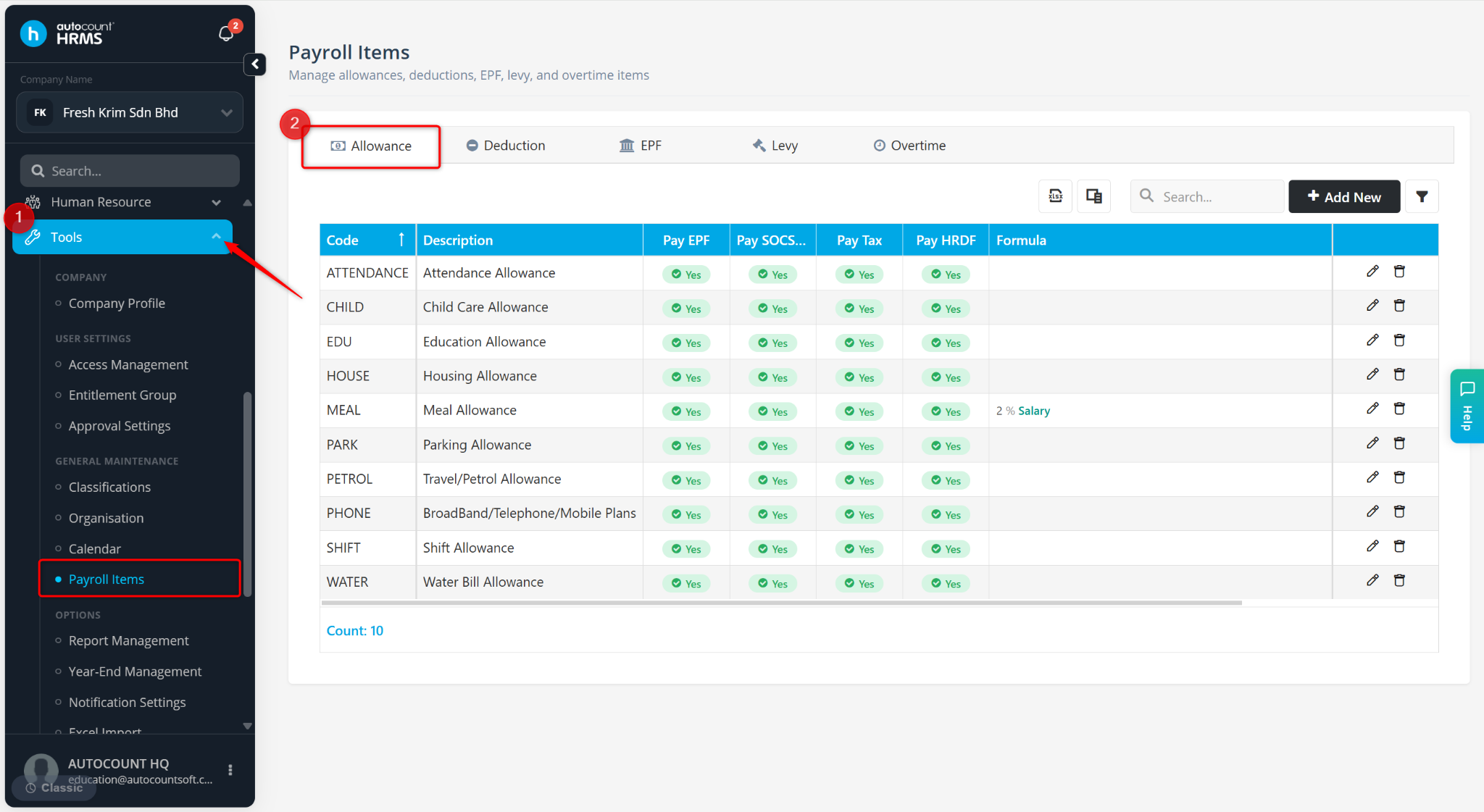
Go to Tools > Payroll Items.
Go to Allowance.
Locate an Allowance Item and click the pencil icon.
Example 1: Attendance Allowance (Prorated Based on Working Days)
Scenario:
Full attendance – RM100 allowance will be given
Partial attendance – prorated amount based on worked days will be given
Formula:
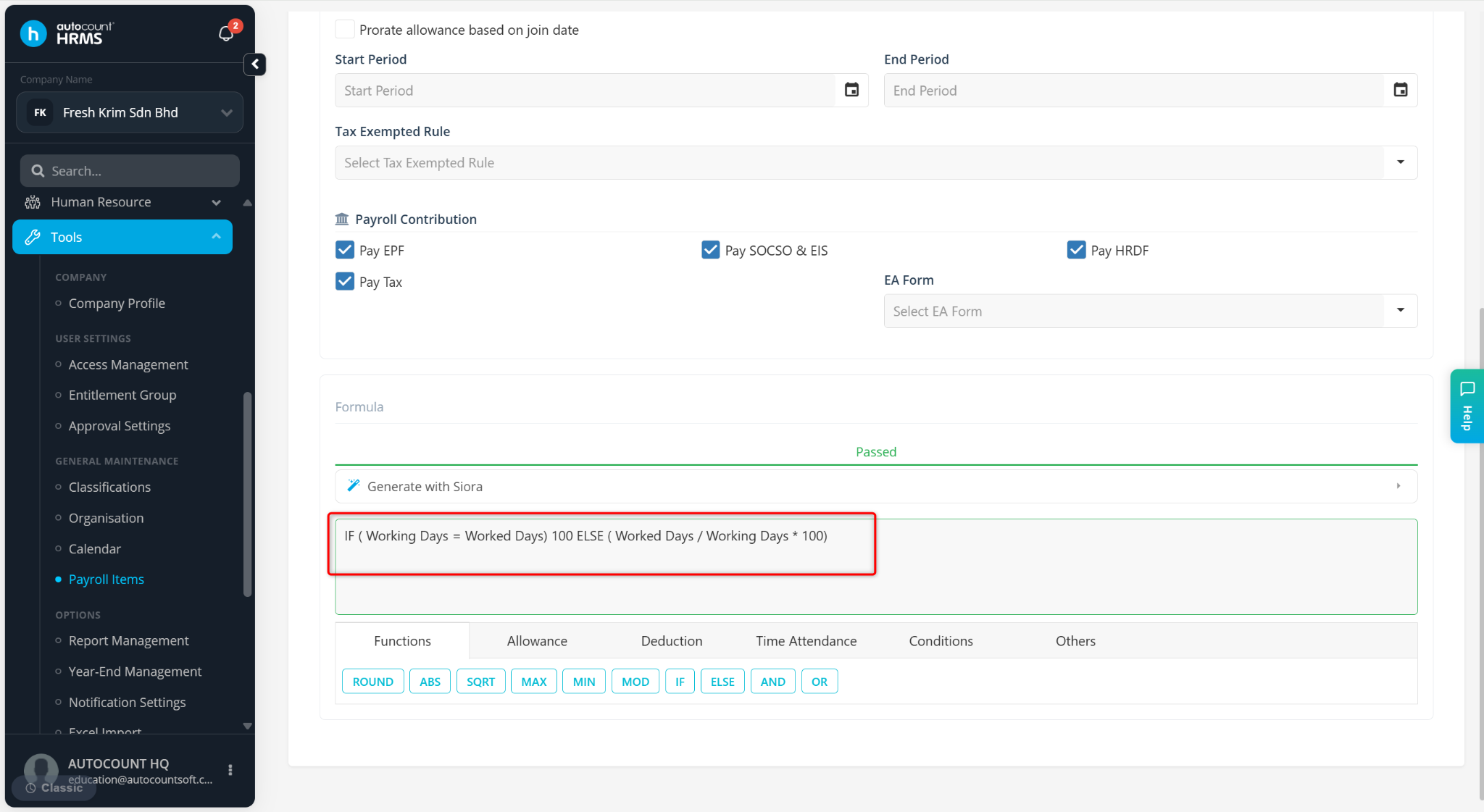
IF (Working Days = Worked Days) 100 ELSE (Worked Days / Working Days * 100)
Example 2: Allowance Based on Employee Group
Scenario:
Management Level Staffs – RM200 allowance will be given
Other Staffs – No allowance will be given
Formula:
IF (Employee Group Equal By MANAGEMENT LEVEL) 200 ELSE 0