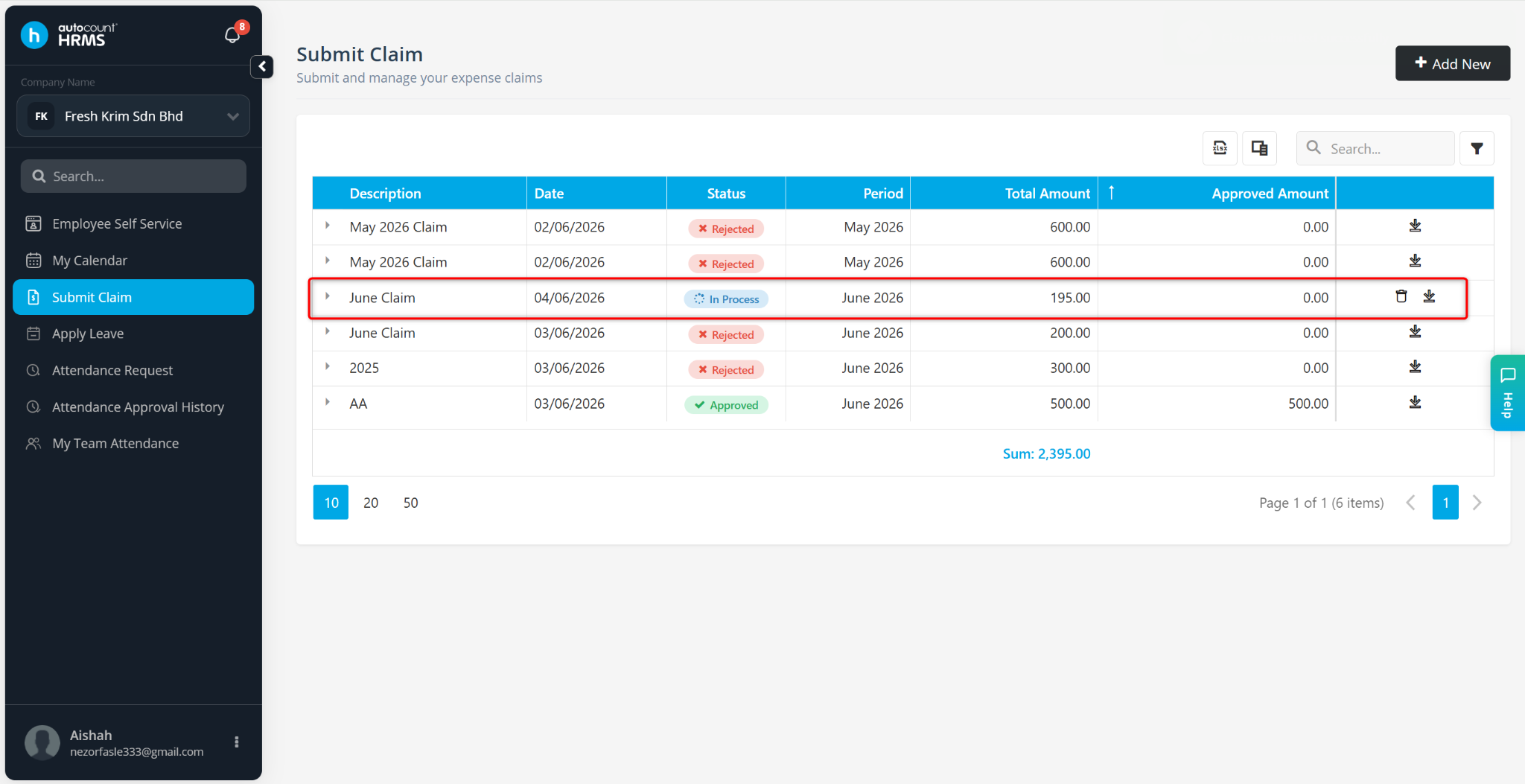
Employees can submit expense claims through the Employee Self Service (ESS) module, provided that the E-Claim feature has been enabled in Employee Maintenance.
Steps to Submit Claim:
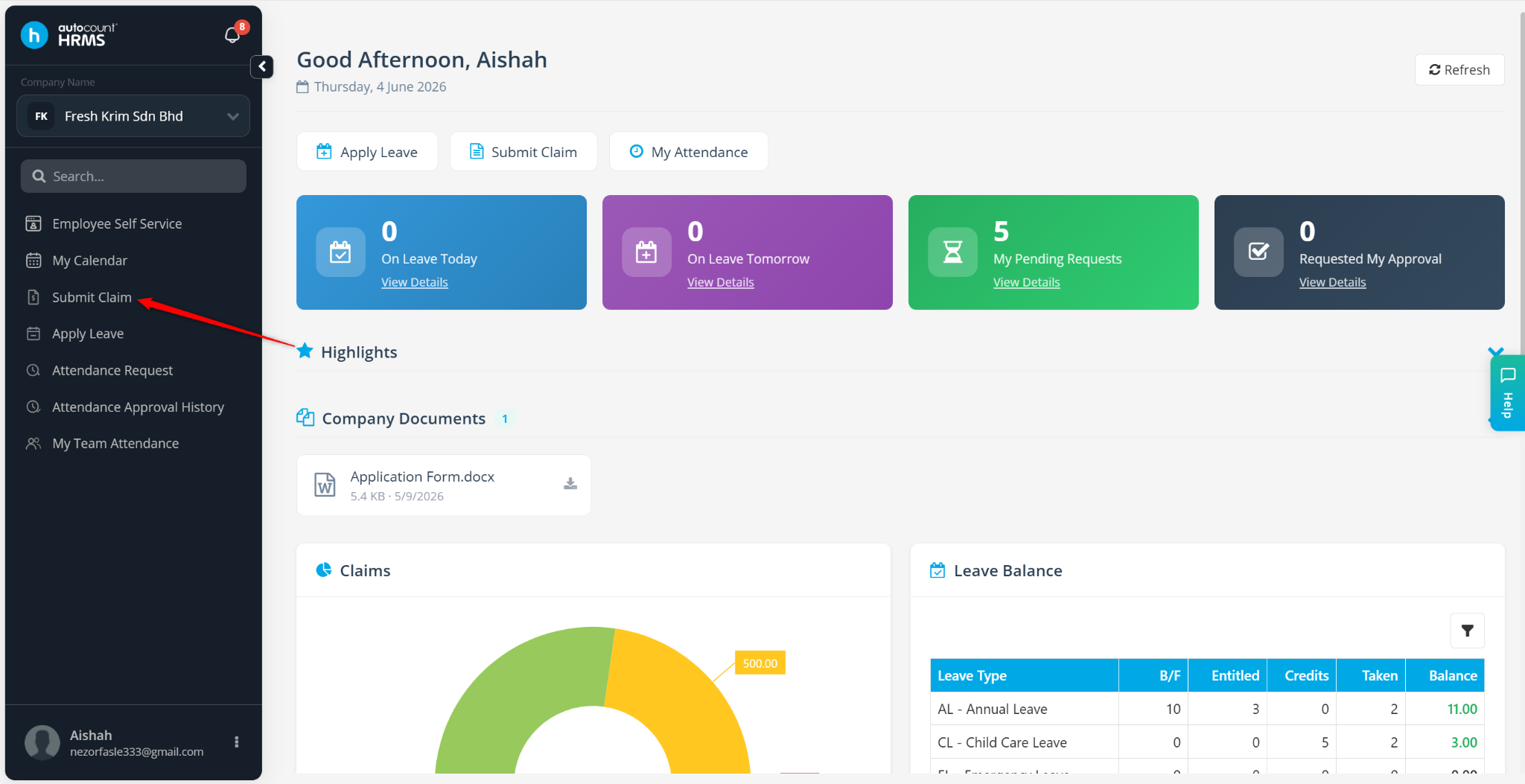
Go to Submit Claim.
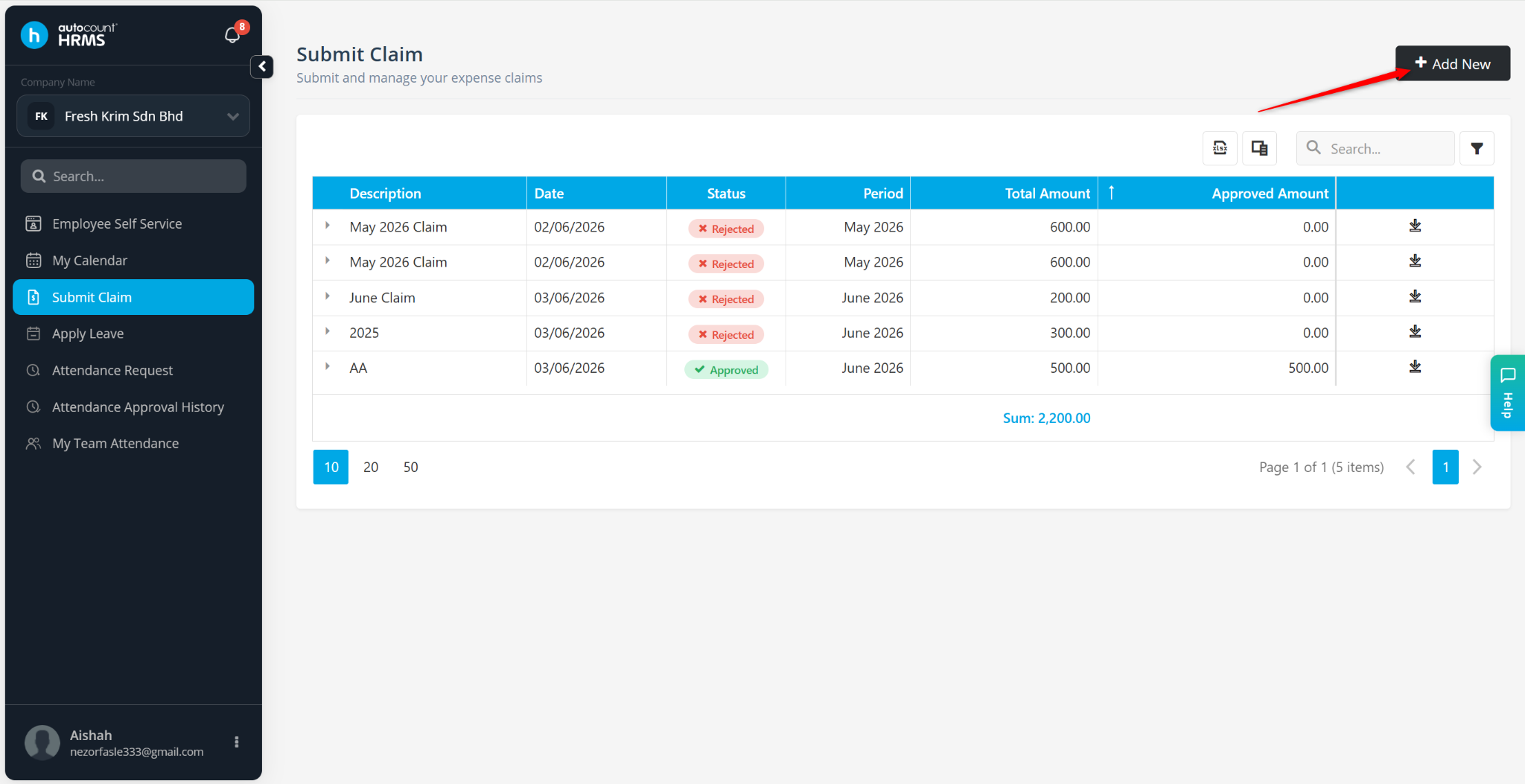
Click + Add New.
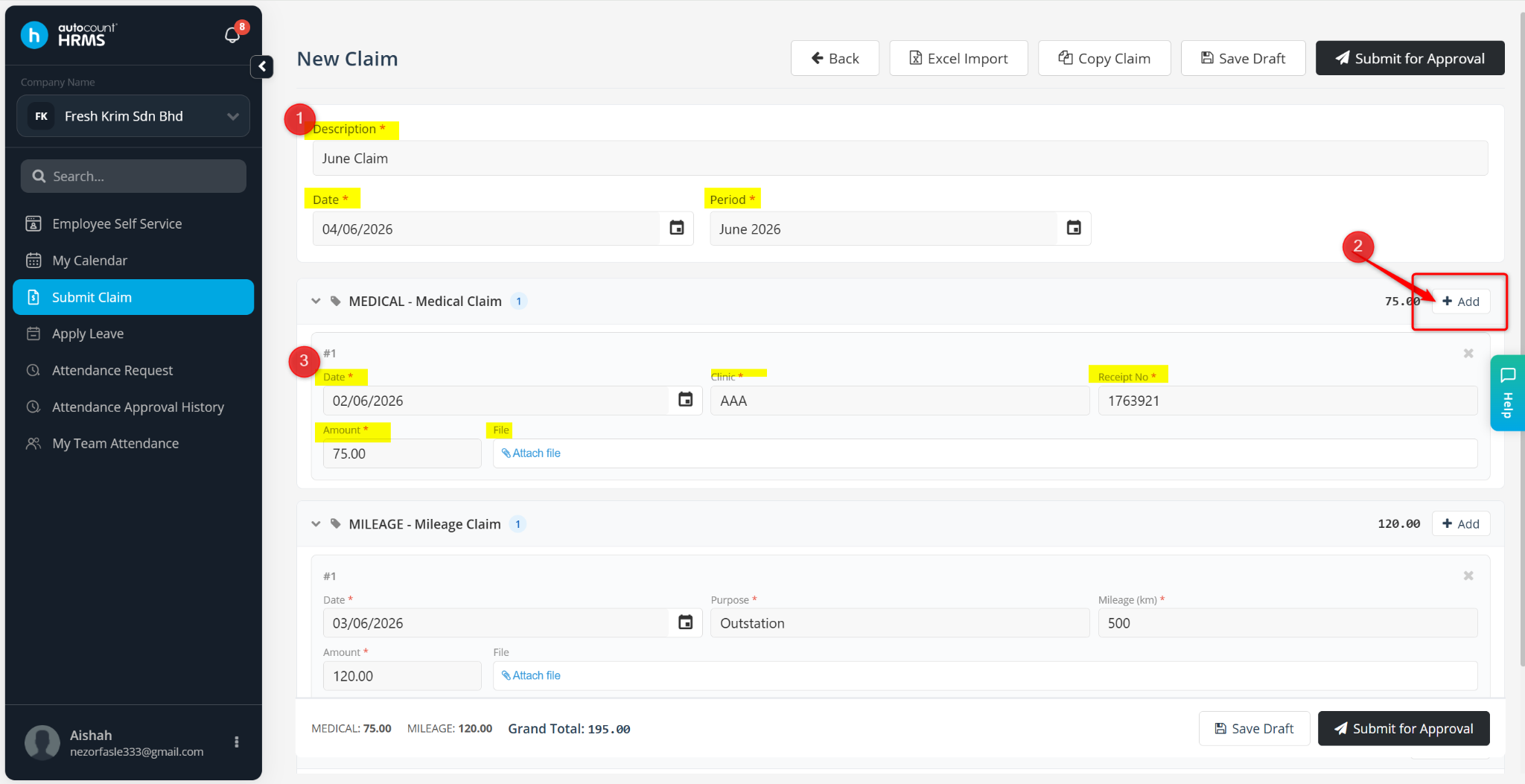
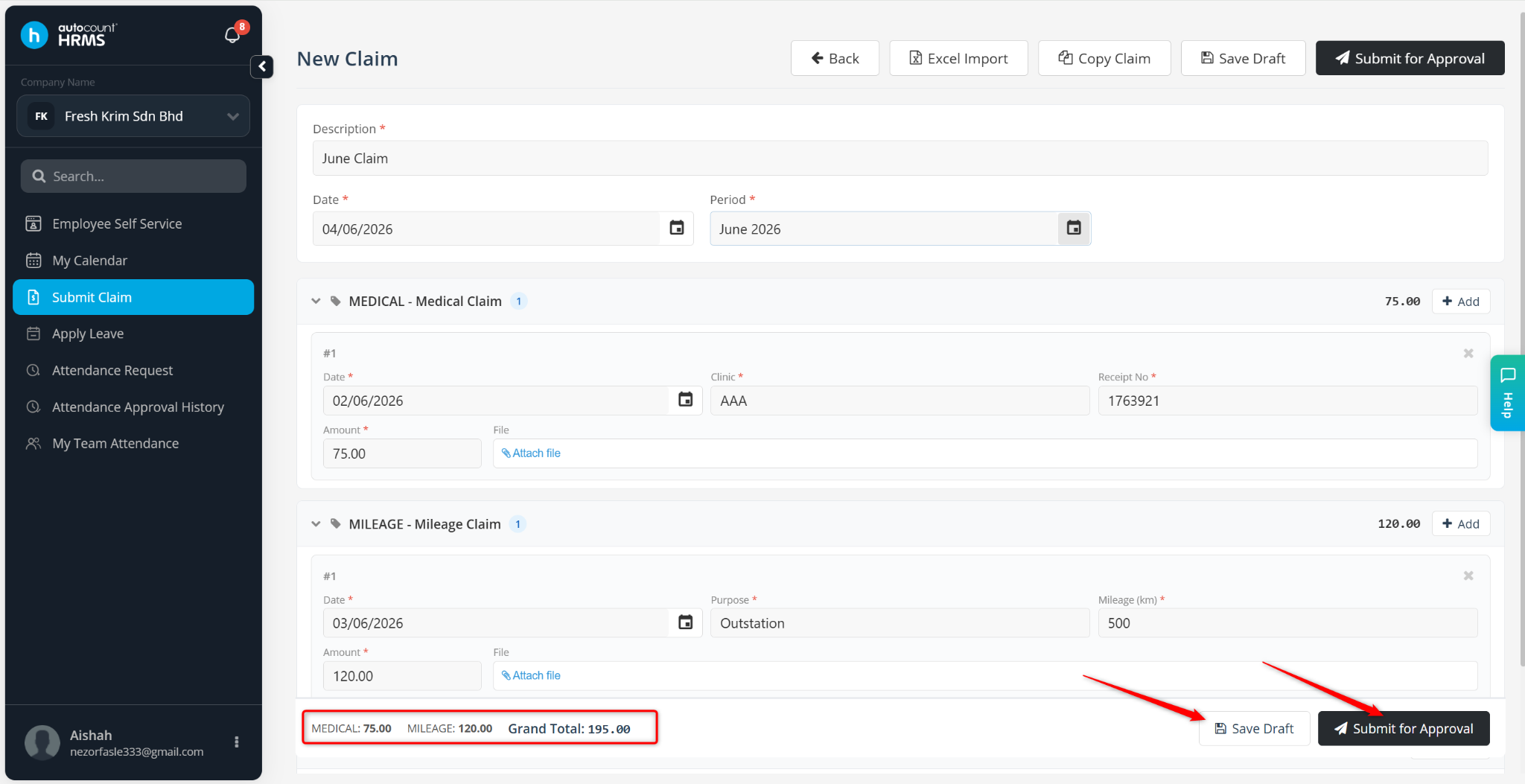
Enter the basic details:
Description – Enter the claim name.
Date – Select the claim submission date.
Period – Select the payroll period.
Locate the claim type and click + Add next to it.
Enter the claim details:
Date – Select the date of the expense/event
Receipt No – Enter the reference receipt number
Amount – Enter the claim amount
File – Attach supporting document/proof of payment
Review the total claim amount.
Click Submit for Approval or Save Draft if further editing is needed.
ℹ️ Note: Once submitted for approval, the claim cannot be edited.
The claim will be successfully submitted and sent for approval.