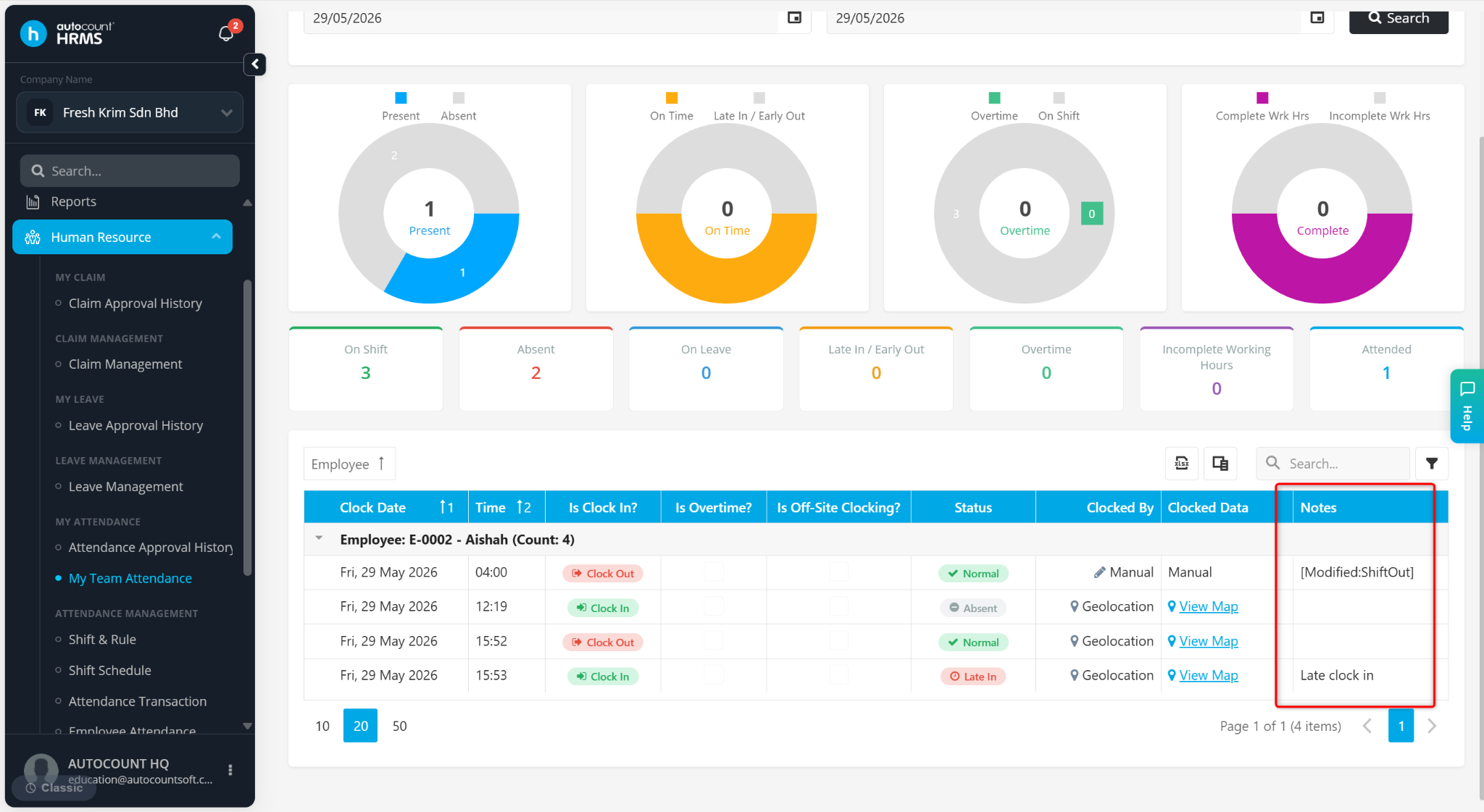
Clocking Note is an additional remark entered by employees when clocking in or clocking out using the mobile application. It is commonly used to provide attendance-related information such as work location, reasons for late clock in, or other attendance remarks.
Steps to View Employee’s Clocking Note:
Go to Human Resources > My Team Attendance.
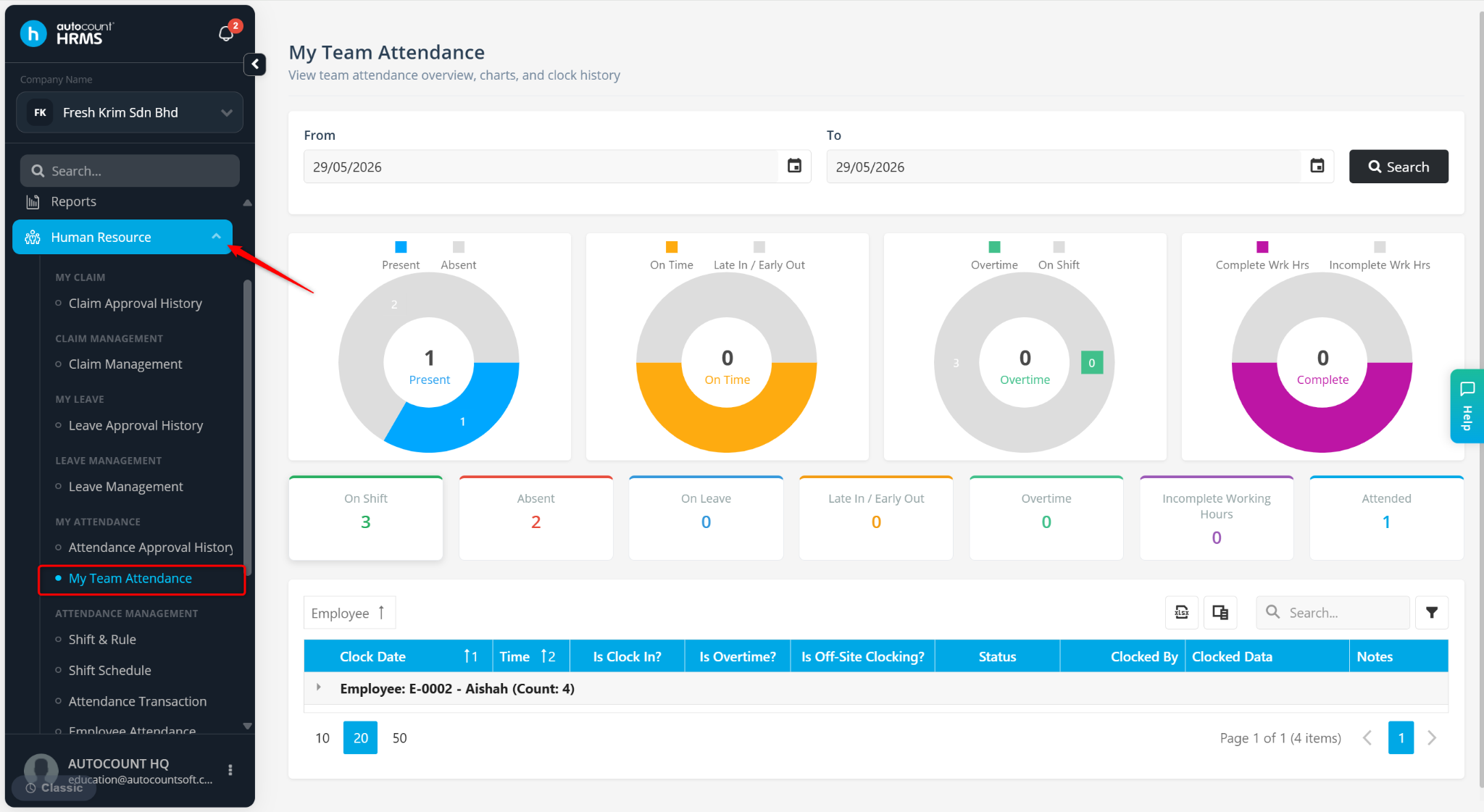
Filter the From and To date. Then, click Search.
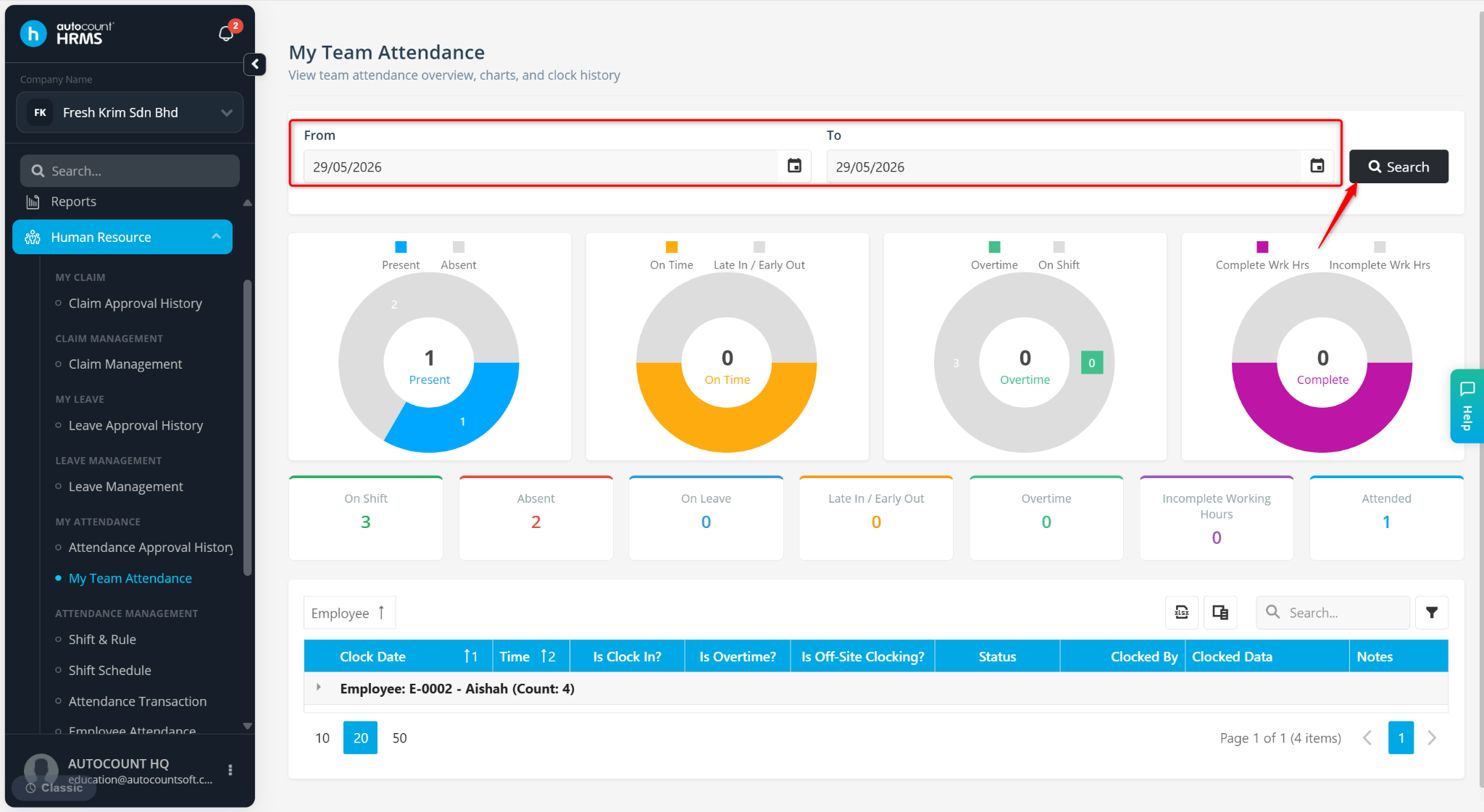
Click the > icon to expand the employee’s attendance details.
View the clocking note under Notes if a note was entered during clock in/out.