Users can customize the Leave Details Report to include a downloadable attachment link for leave supporting documents. This allows users to directly access and download documents submitted together with leave applications from the report preview.
Steps to Add a Downloadable Leave Attachment File in Claim Request Form:
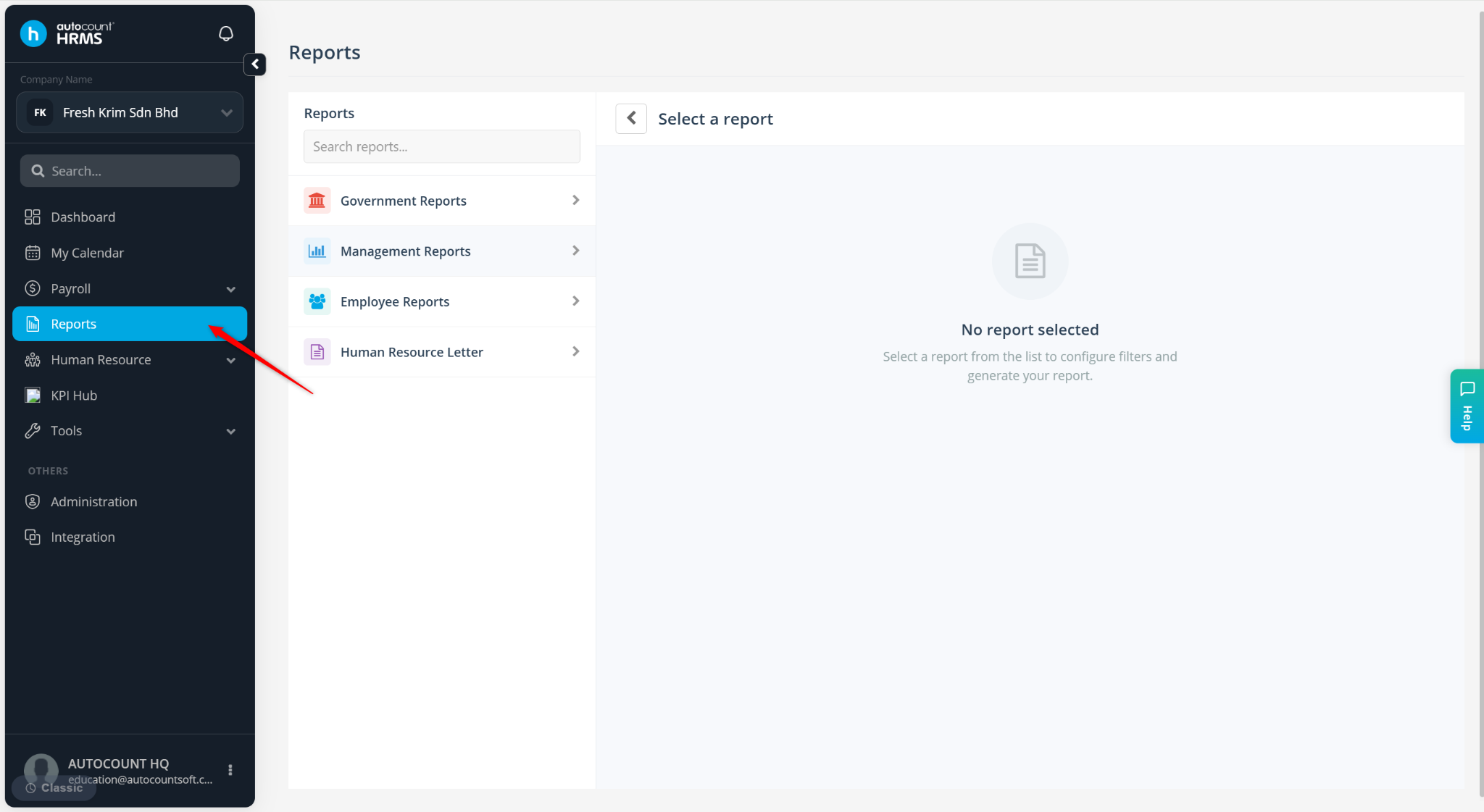
Go to Reports.
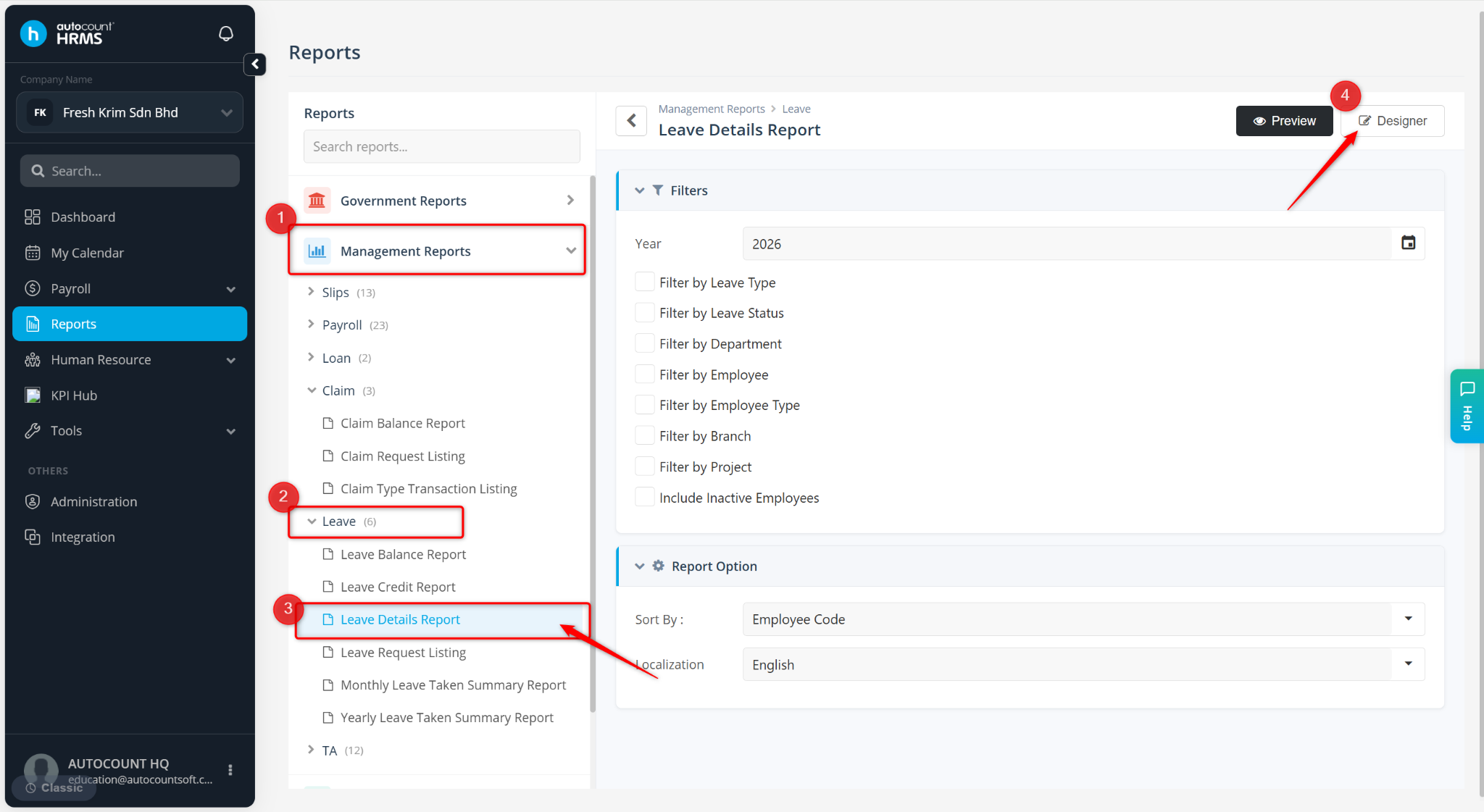
Expand Management Reports > Leave. Select Leave Details Report.
Click Designer.
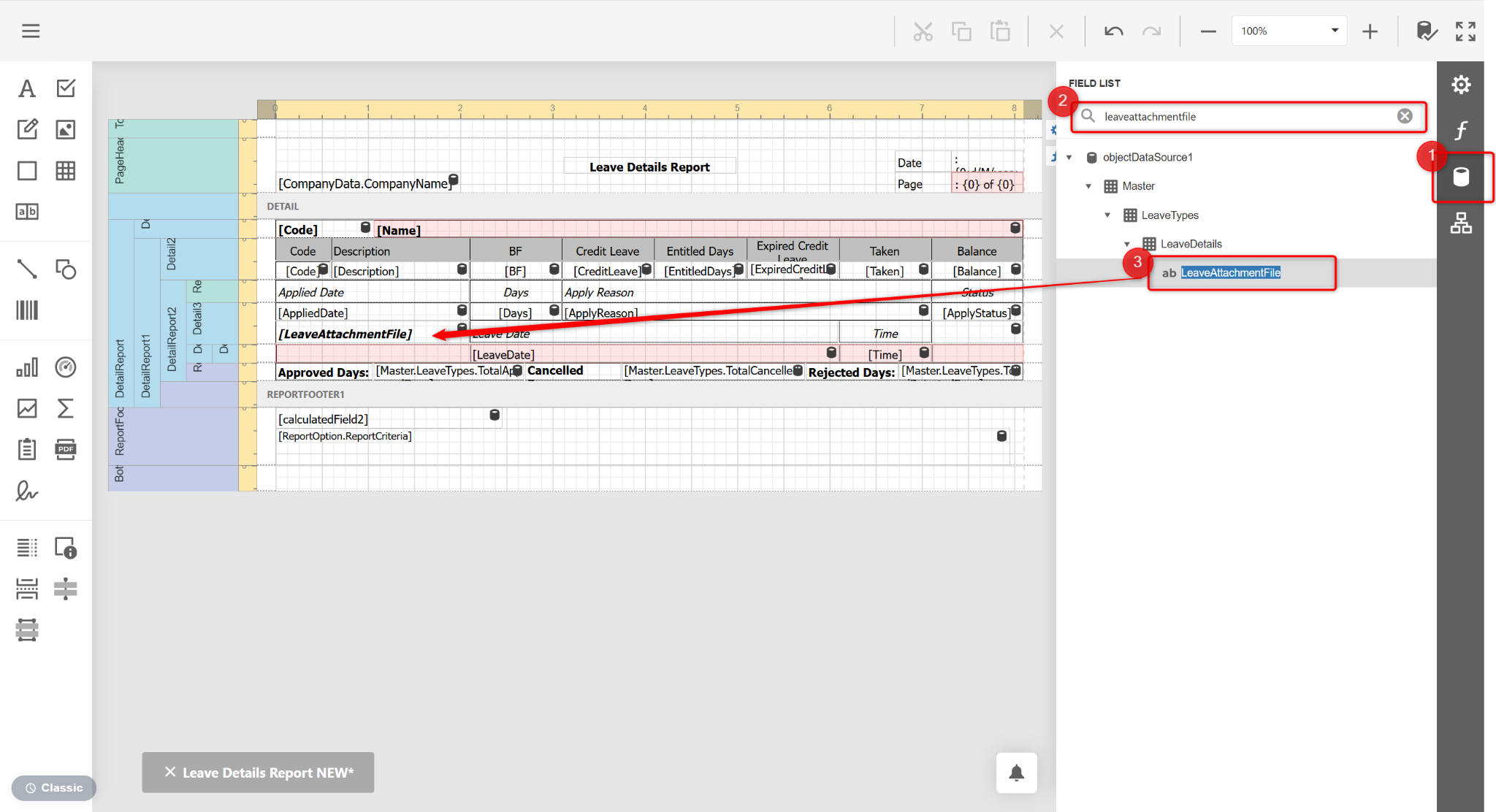
Click Field List at the right panel. Search for LeaveAttachmentFile under LeaveDetails. Drag and drop it to the desired location.
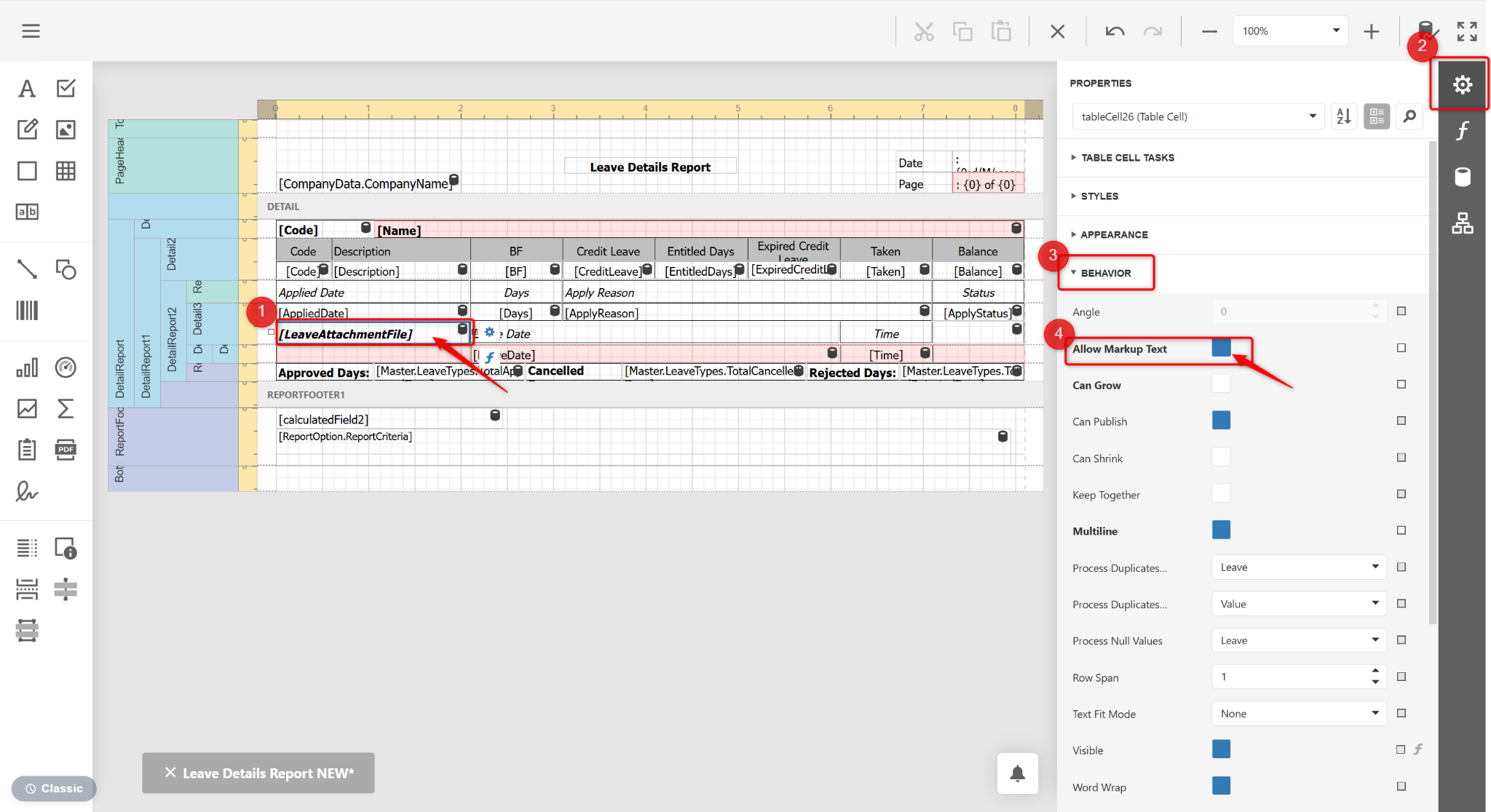
Click the newly added LeaveAttachmentFile, click Properties at the right panel, expand Behaviour and enable Allow Markup Text.
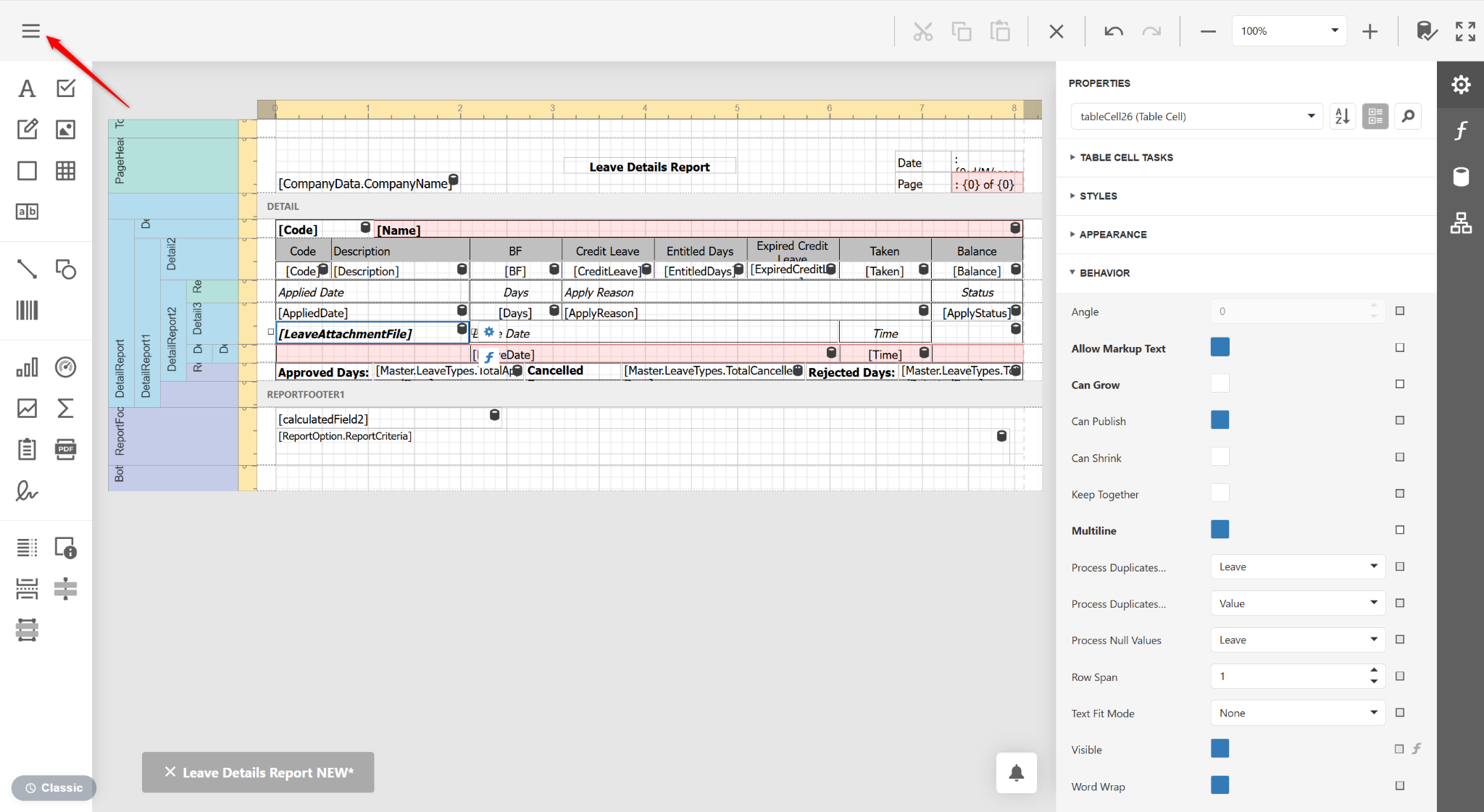
Click the three horizontal lines icon.
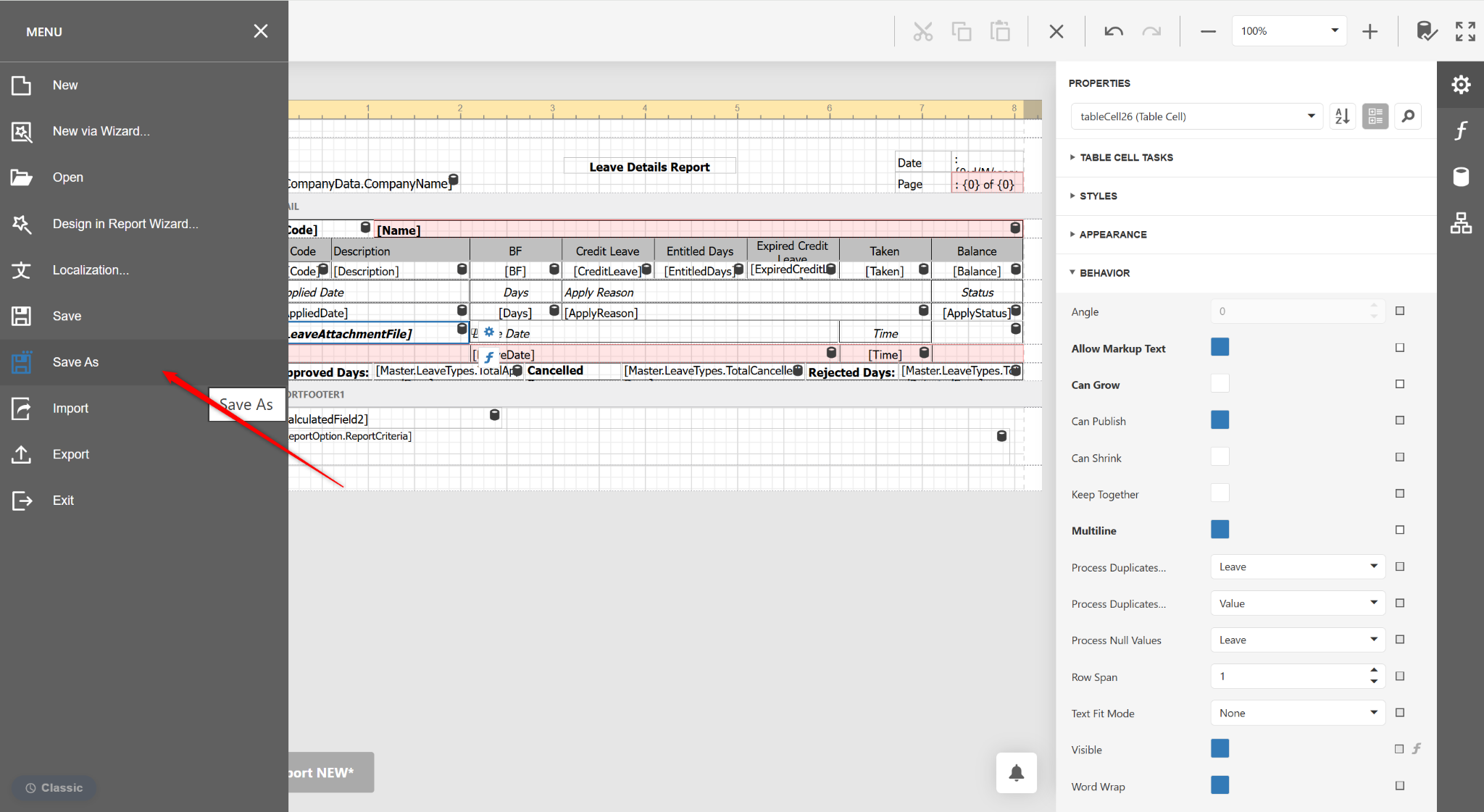
Select Save As.
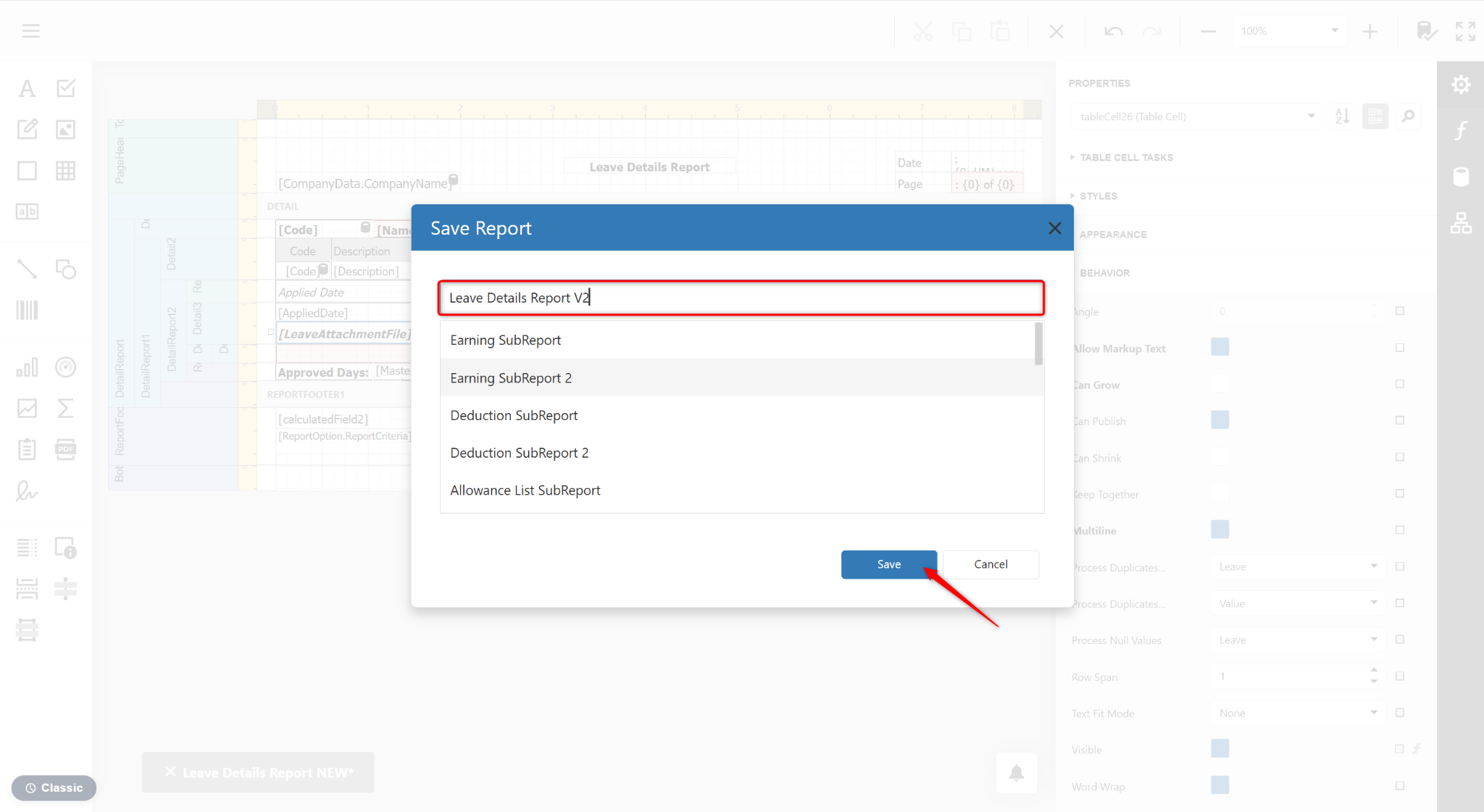
Enter a new report name and click Save.