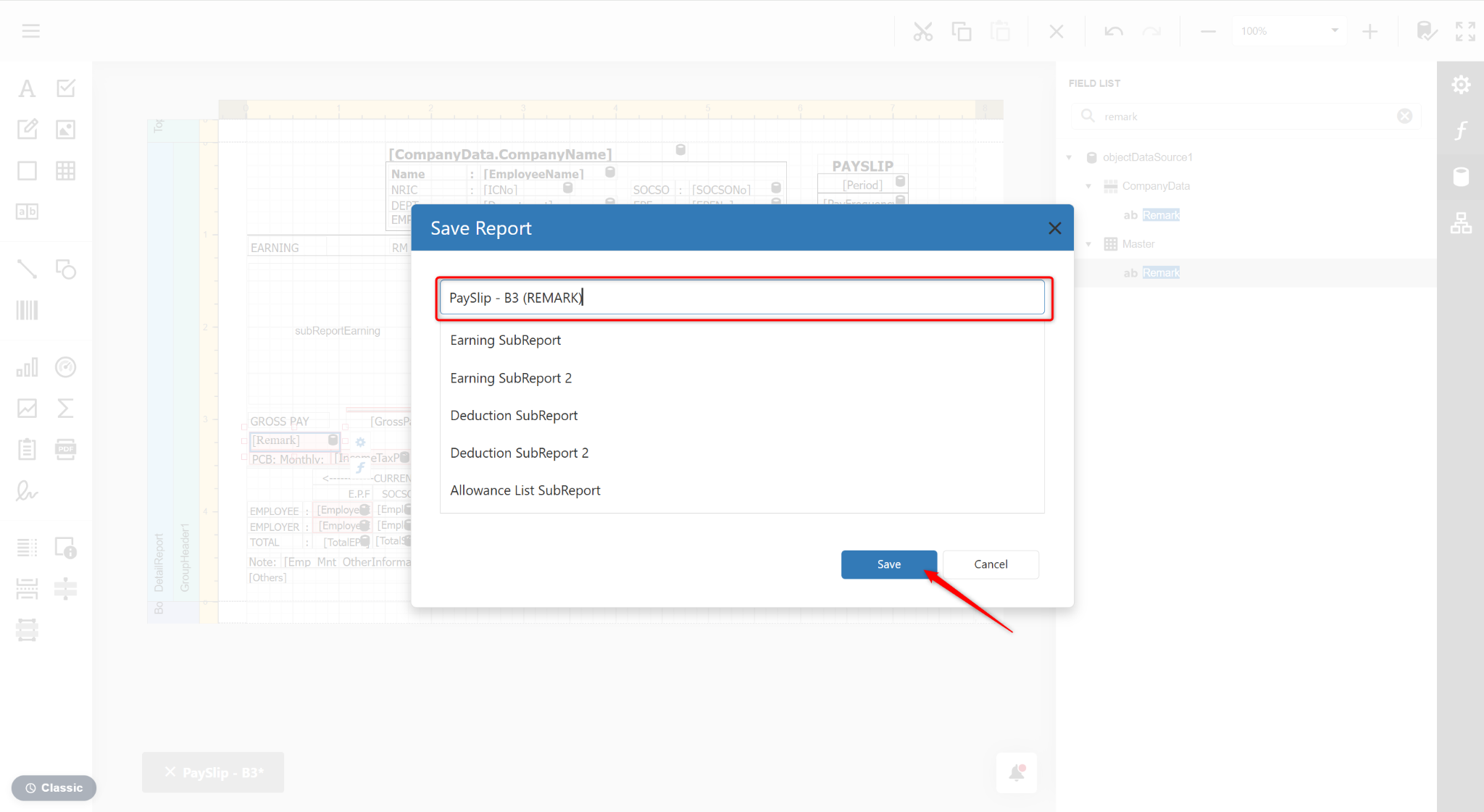
Users can customise the payslip layout using the Report Designer to display employee-specific remarks.
Steps to Add Remark in Payslip:
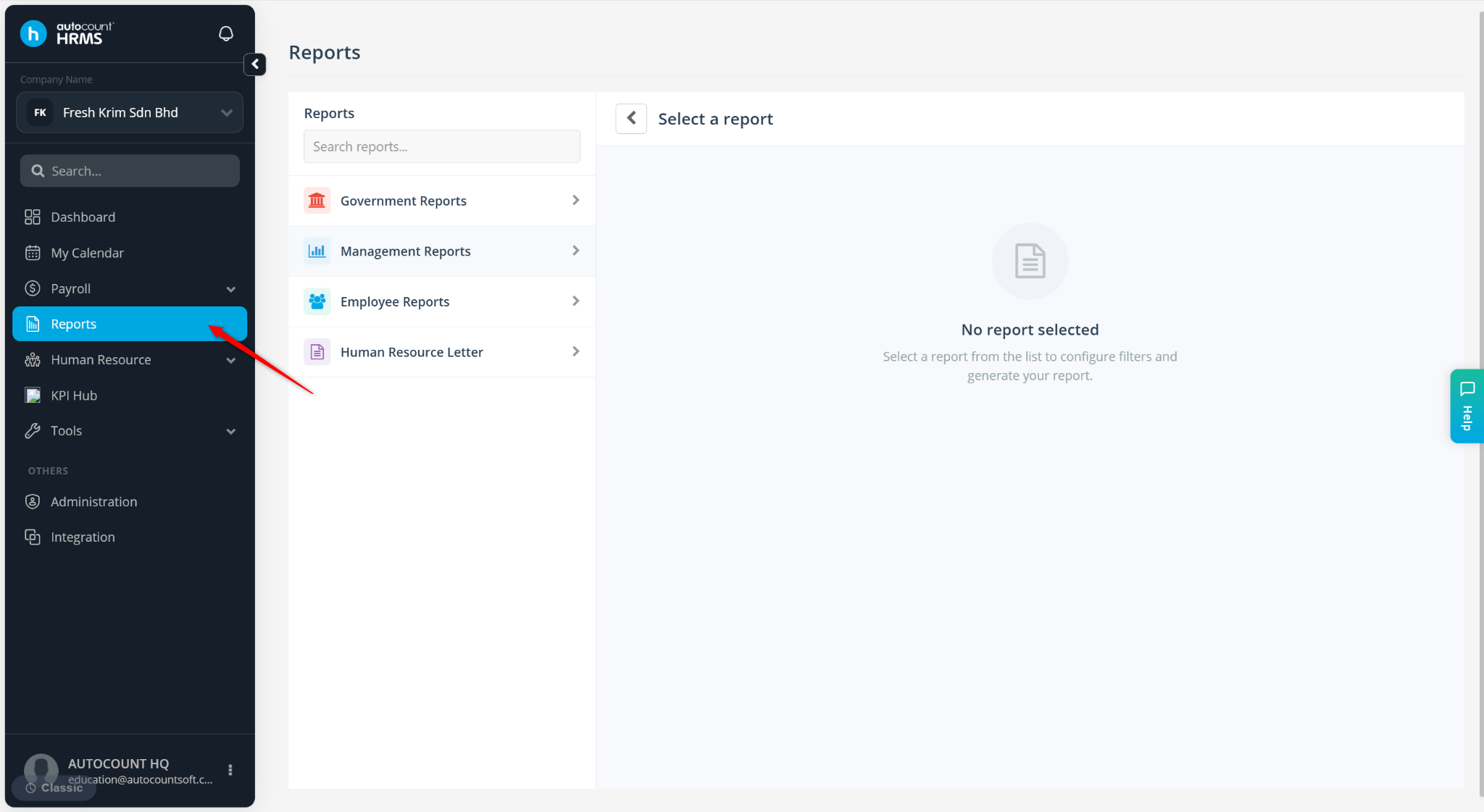
Go to Reports.
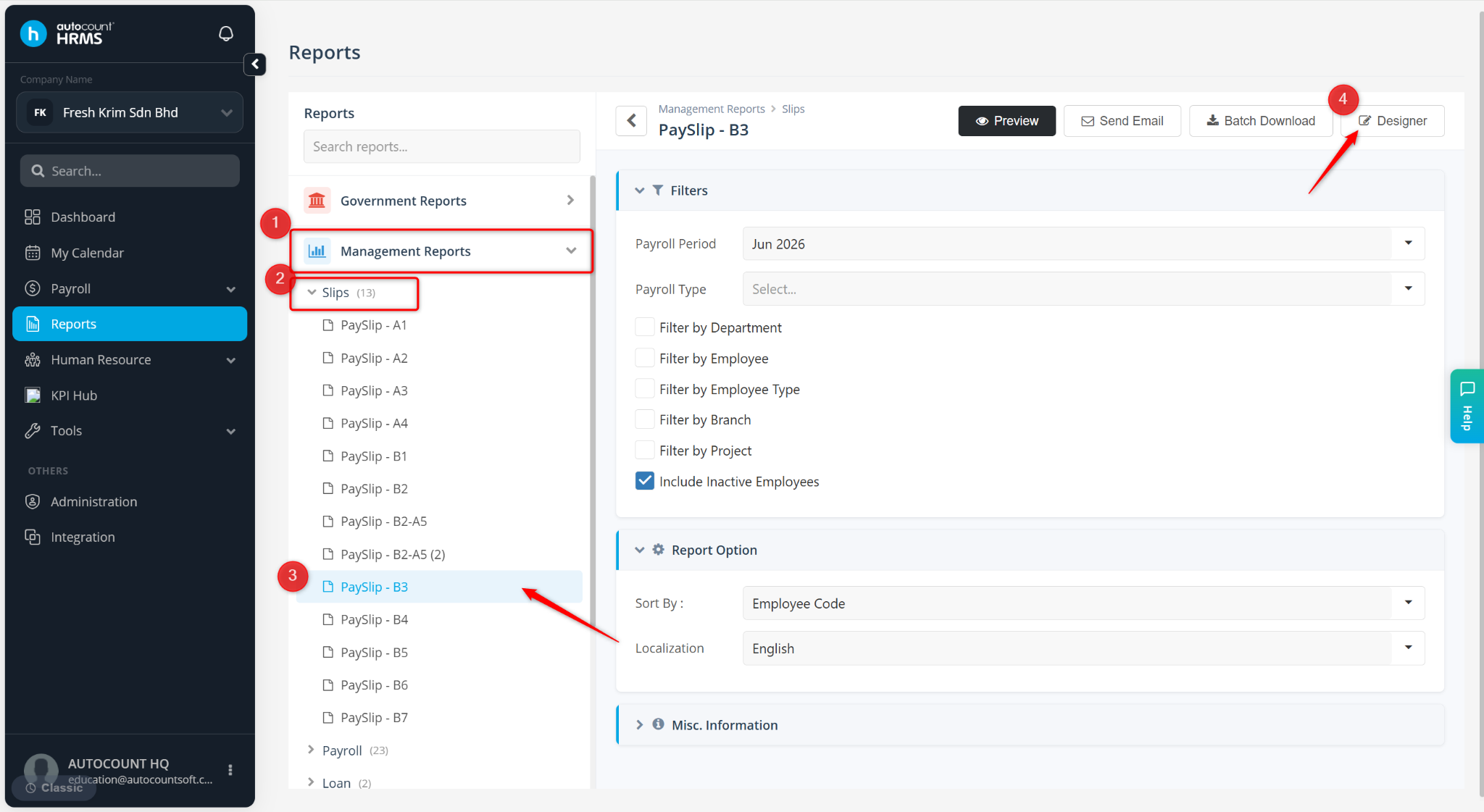
Expand Management Reports > Slips, select a payslip template.
Click Designer or Preview.
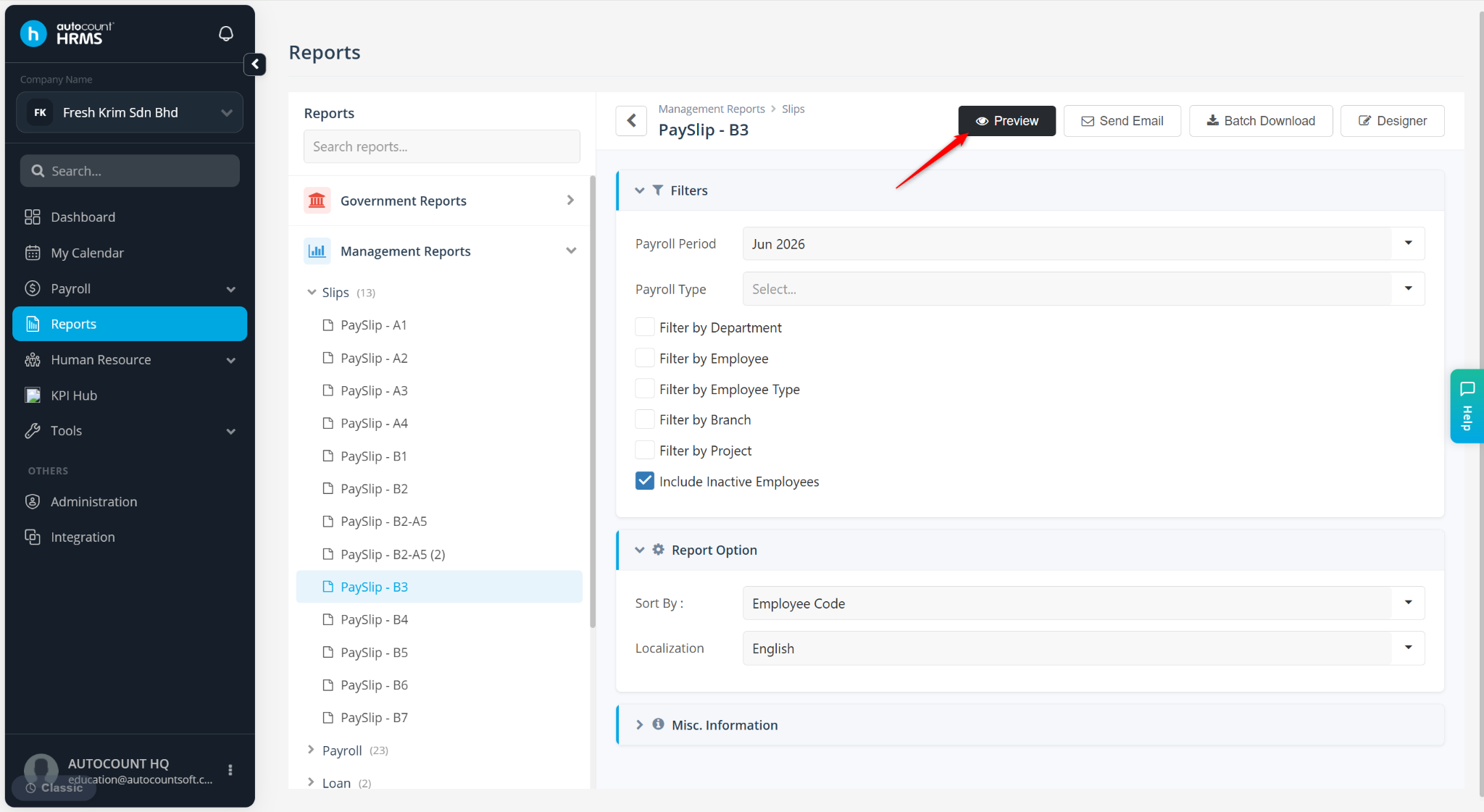
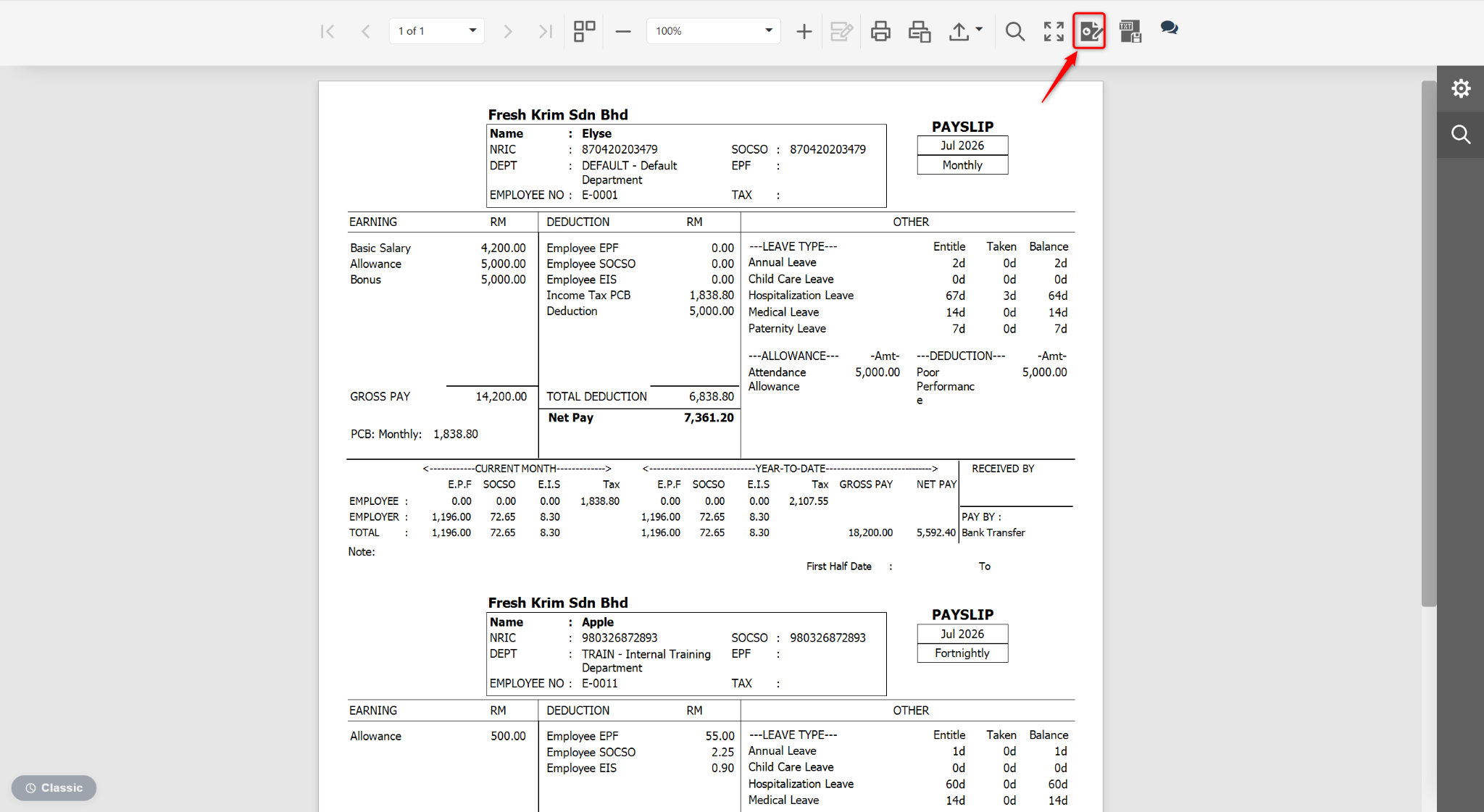
At the Preview page, click the edit icon.
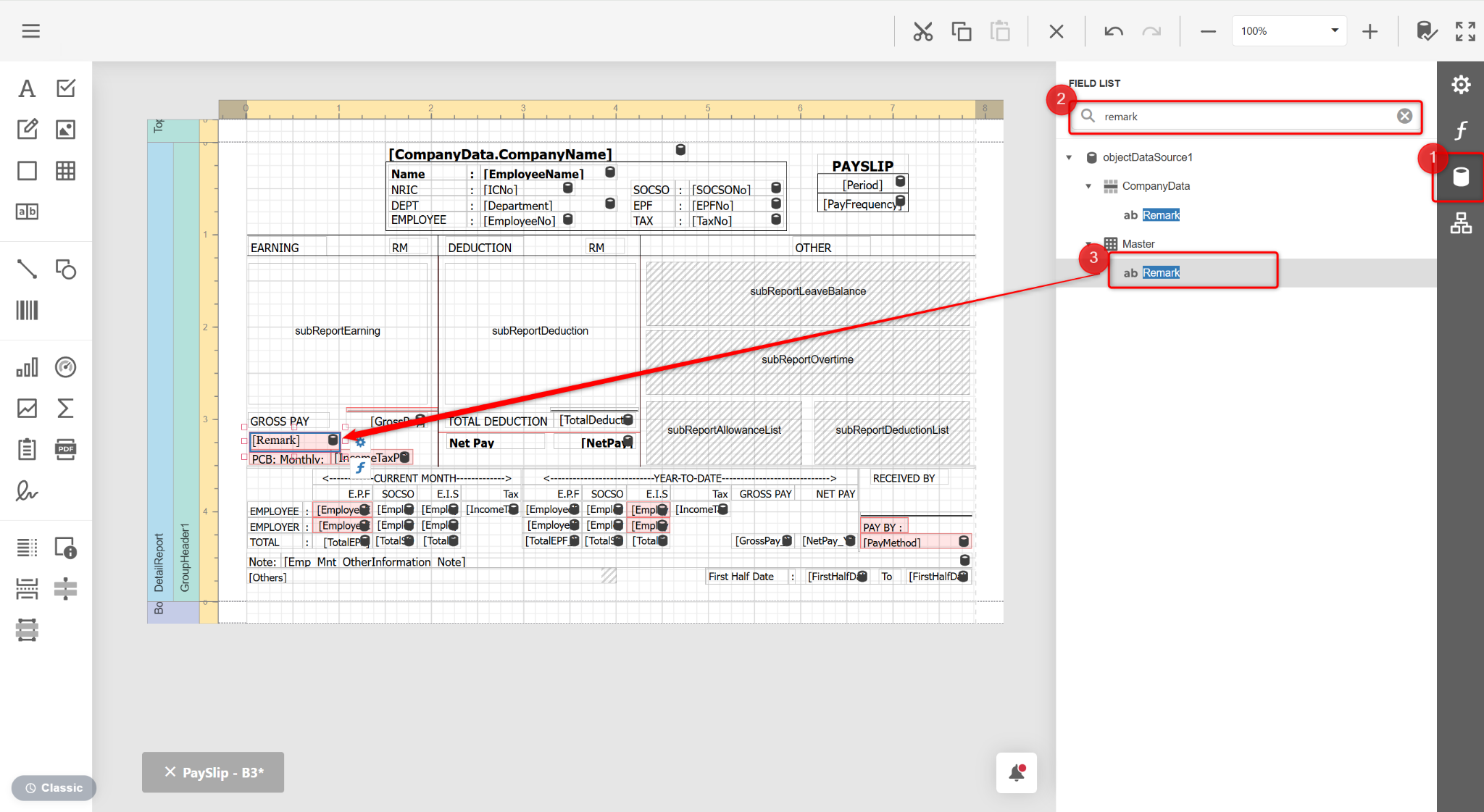
In the Field List on the right panel, search for Remark under Master. Drag and drop Remark into the desired location in the report layout.
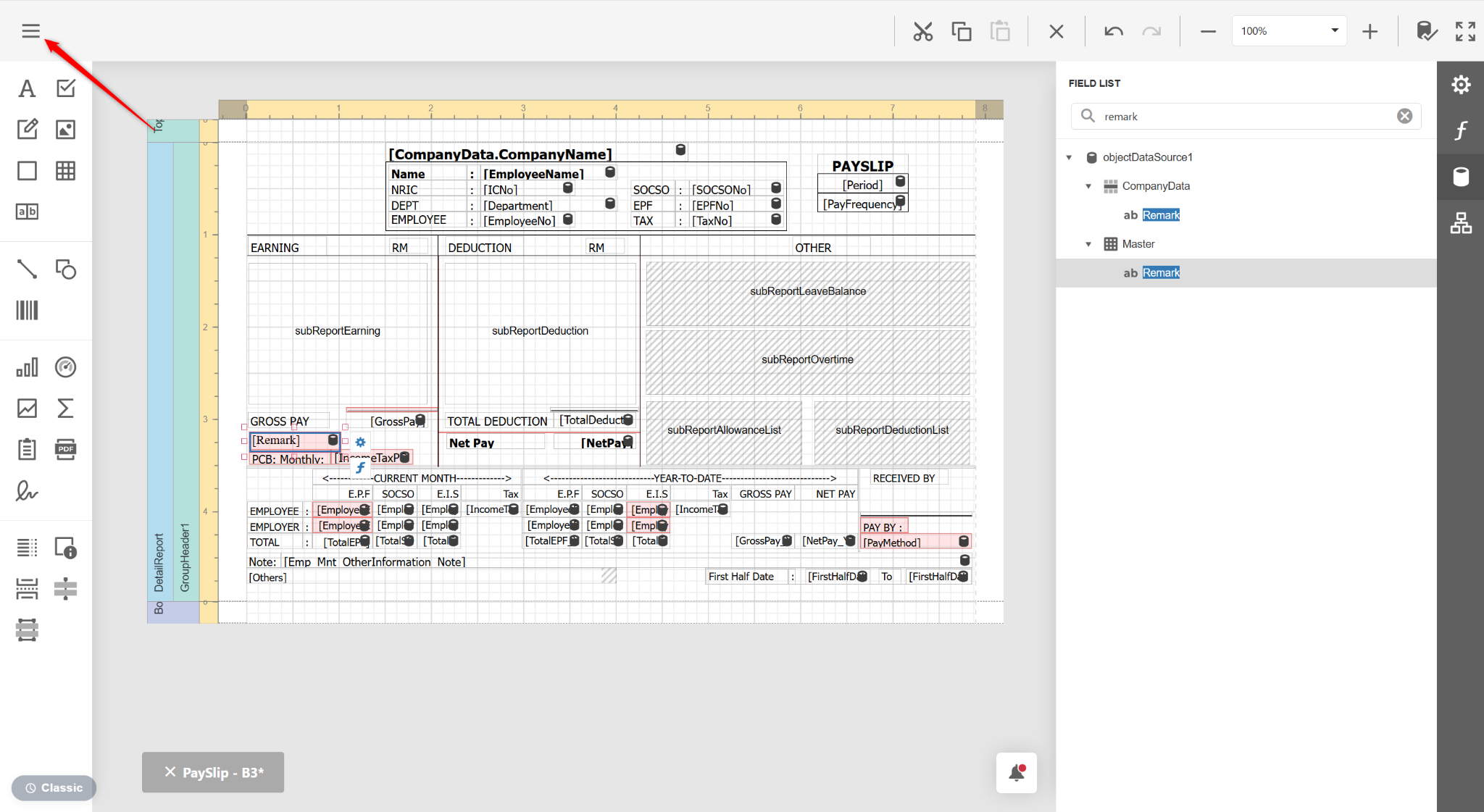
Click the three horizontal lines icon.
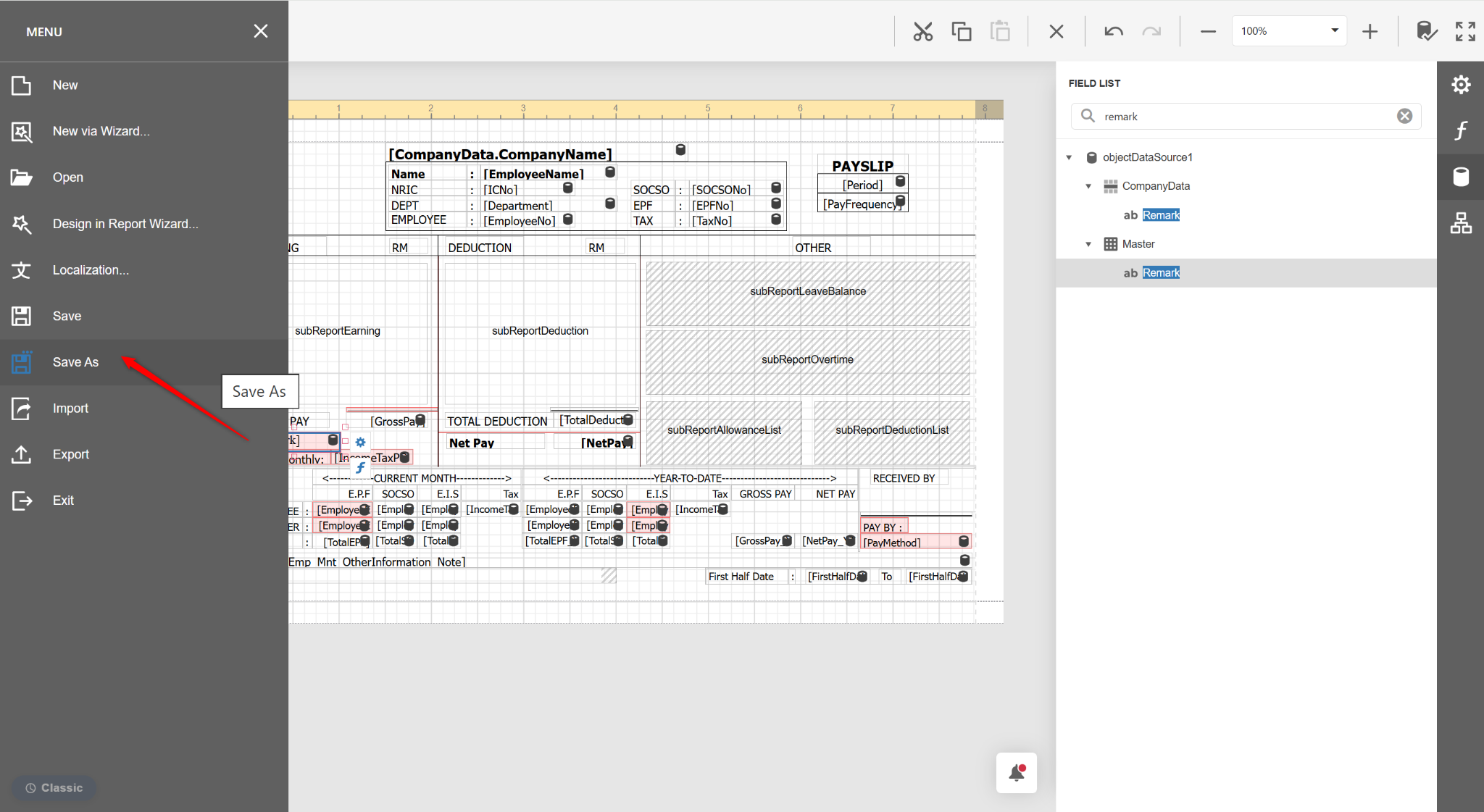
Select Save As.
Enter a new report name and click Save.