
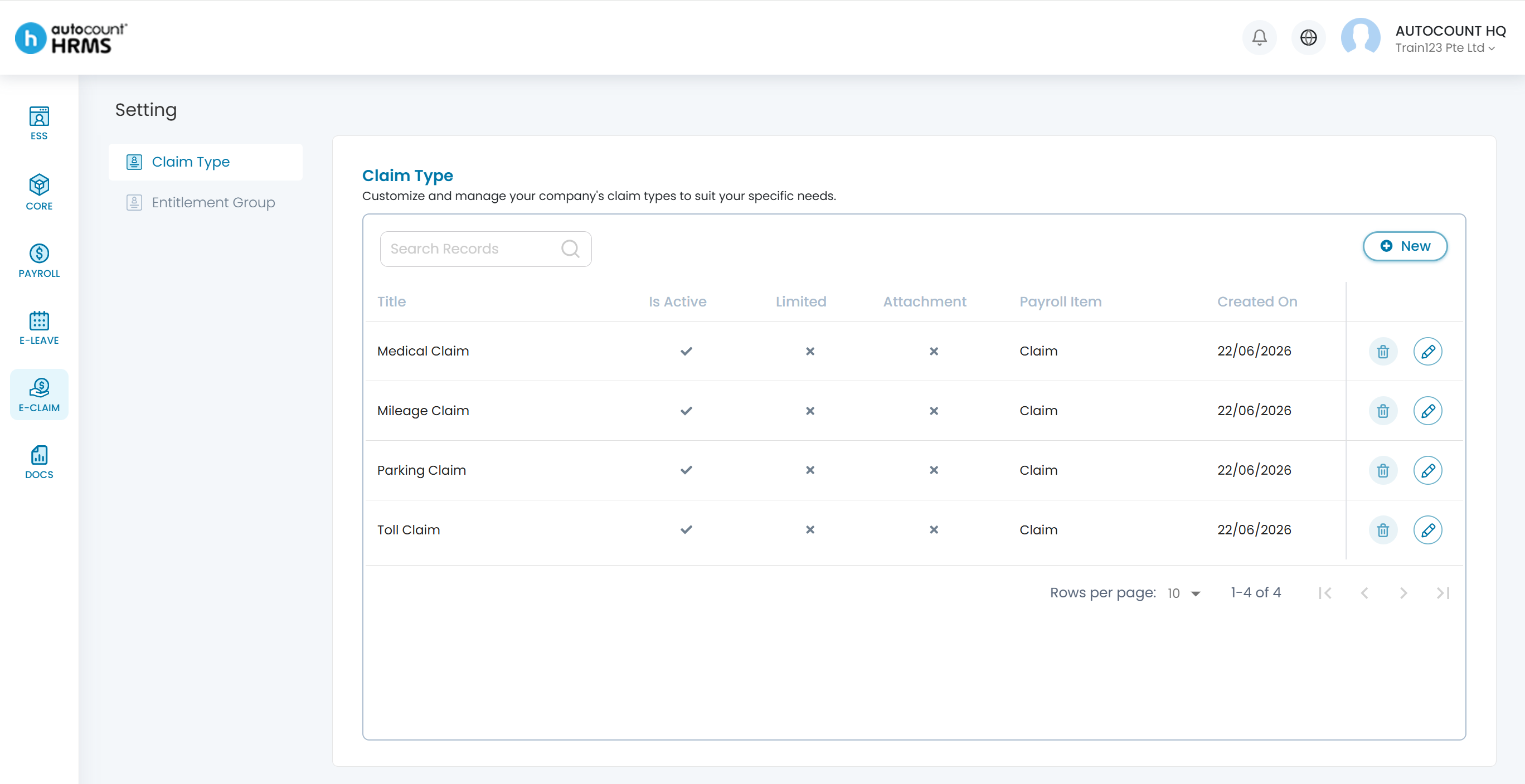
Claim Type defines the categories of claim that employees can apply for according to entitlements and company policies. Four default claim types are created automatically when the e-Claim module is enabled: Medical Claim, Mileage Claim, Parking Claim, and Toll Claim.
Steps to Setup a Claim Type:
1. Go to E-Claim > Setting > Claim Type.
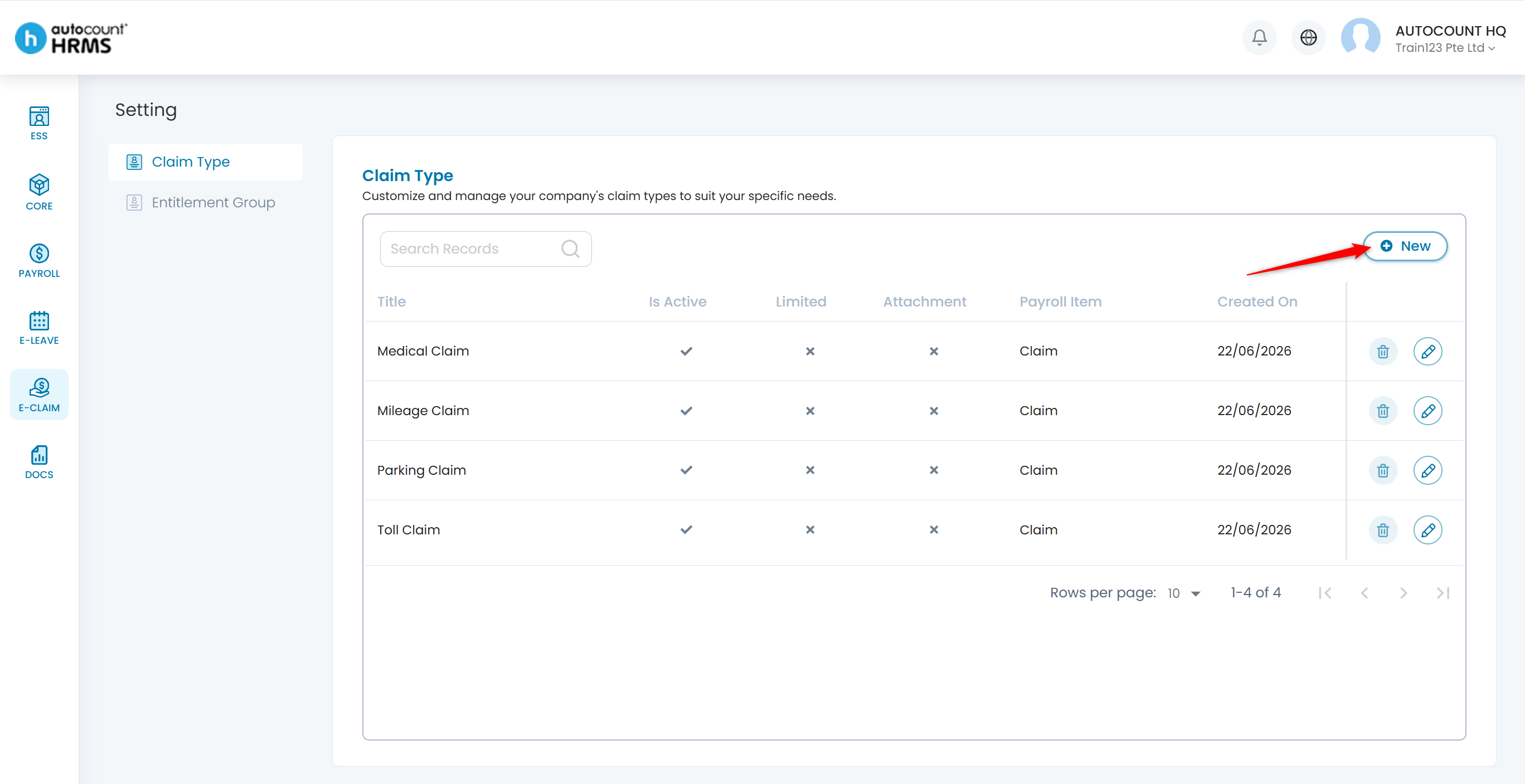
2. Click New to add a new claim type.
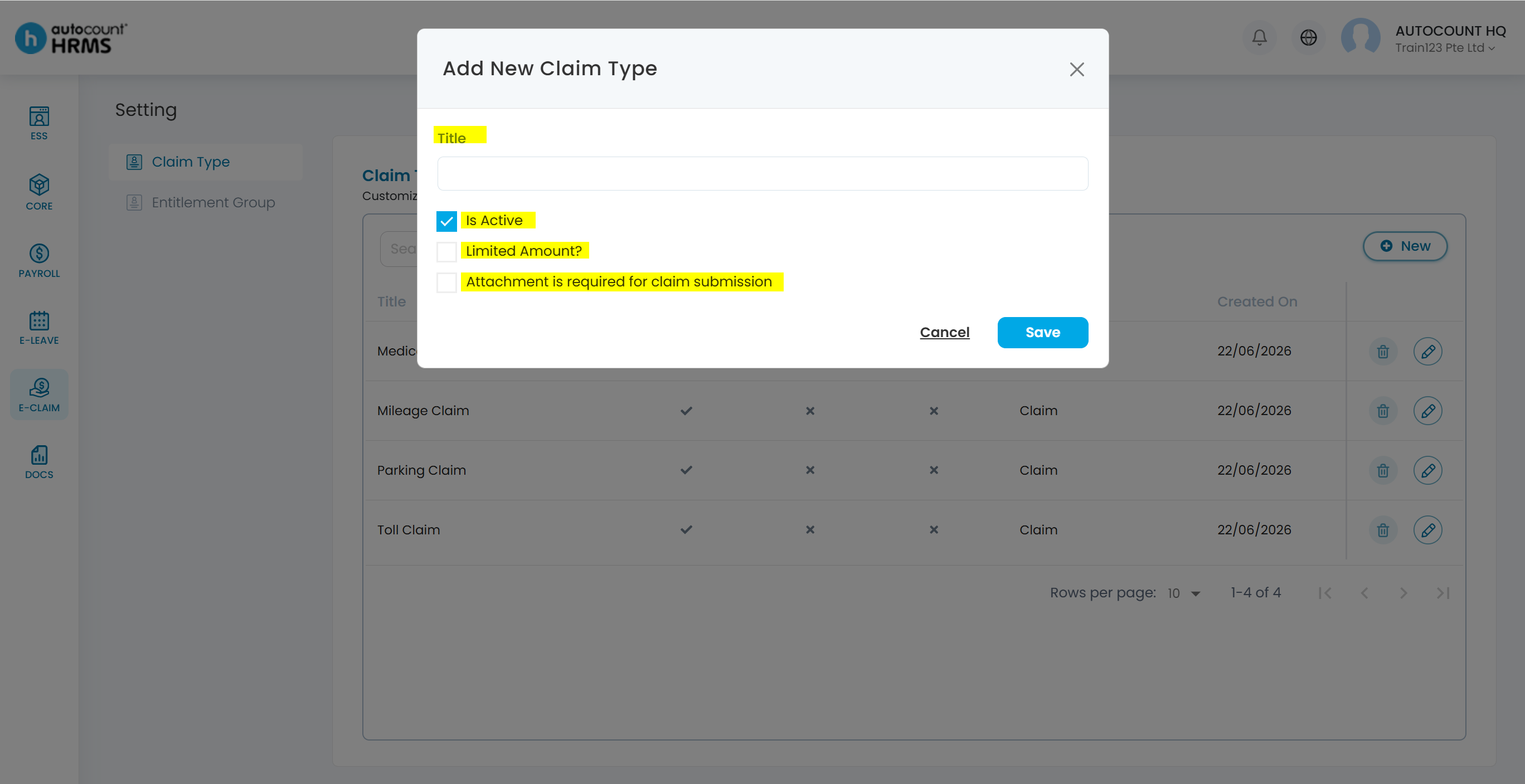
3. Configure the basic fields:
- Title – e.g., Mileage Claim, Parking Claim, Medical Claim.
- Status – set to Active or Inactive. Inactive claim types are hidden from employees.
- Limited Amount – enable to set a spending cap for this claim type.
- Attachment – set to Mandatory or Optional.
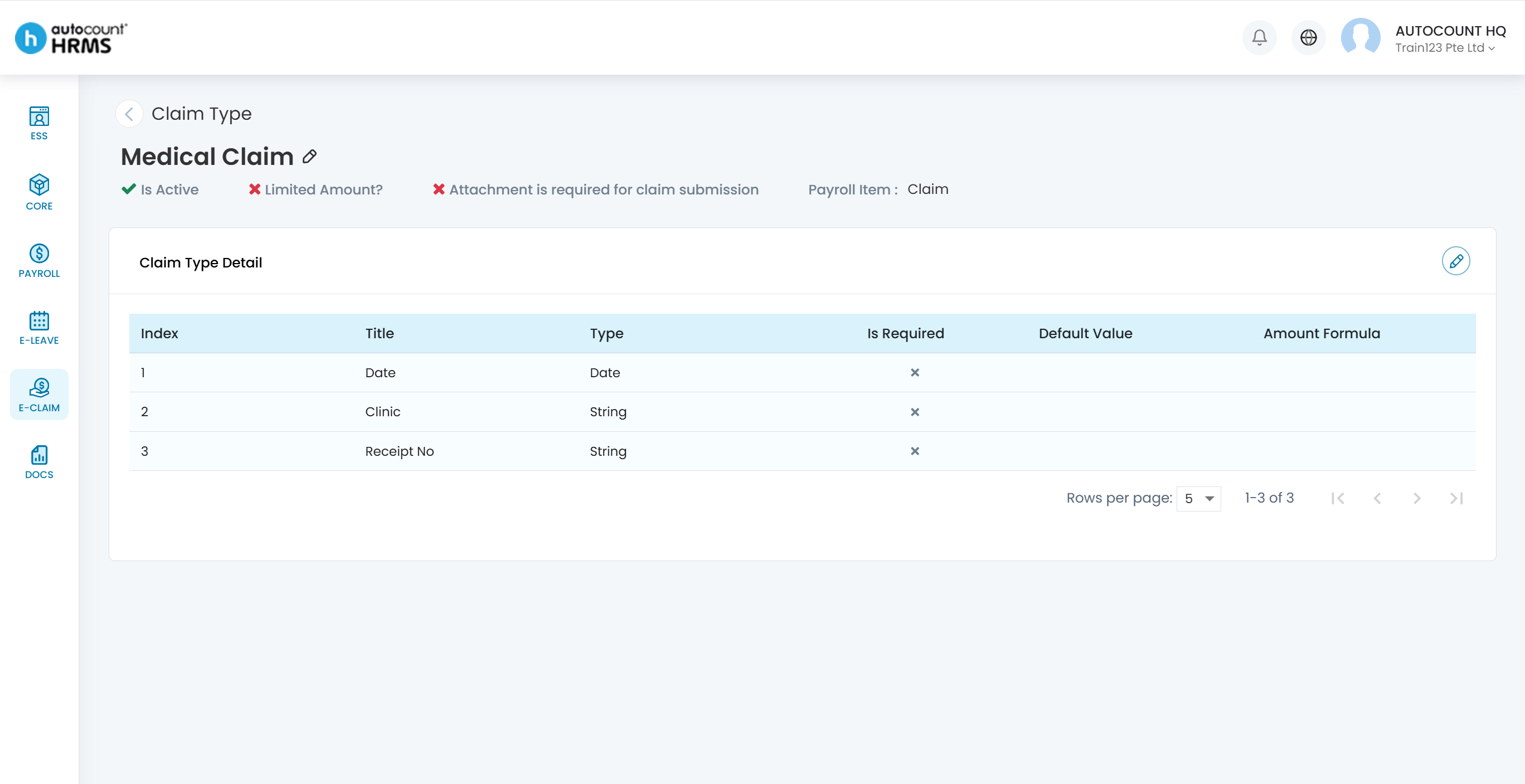
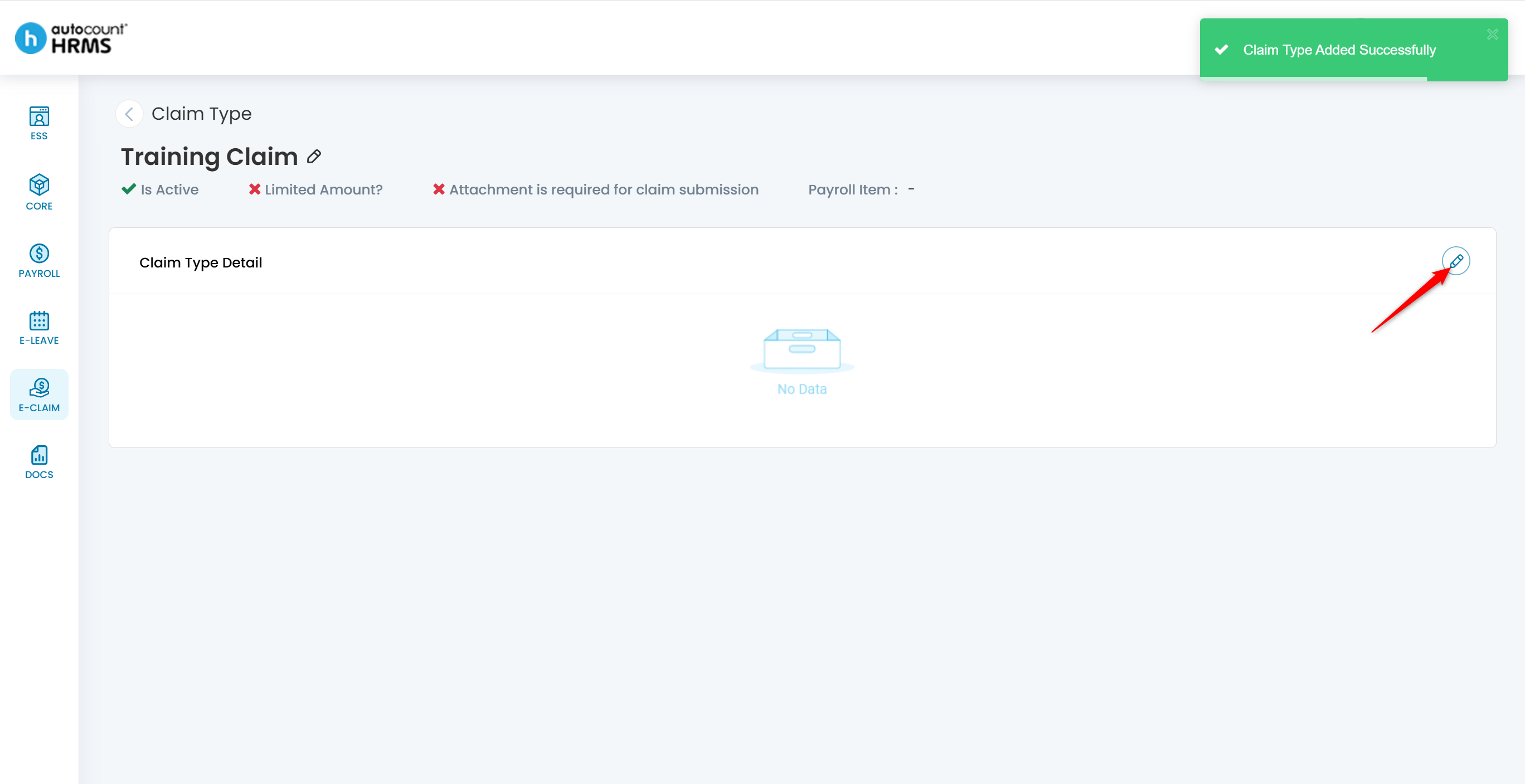
4. Click the edit icon to add Custom Fields:
- Title – user-defined field label.
- Type – String, Number, Date, or Boolean.
- Is Required – set to Mandatory or Optional.
- Default Value – pre-fill field values for employee convenience.
- Amount Formula (Number fields) – the system auto-calculates the Amount from the Input Value. Example: Amount = Input Value × Rate.
5. Link the Claim Type to a Payroll Item.