
Possible reason:
Some employees in the same company can clock in/out from a particular area, while others cannot.
Answer:
You can change the radius for clock in/out for Geolocation Clocking Method from :
1. Go to Human Resource > Shift & Rule > Rule Maintenance.
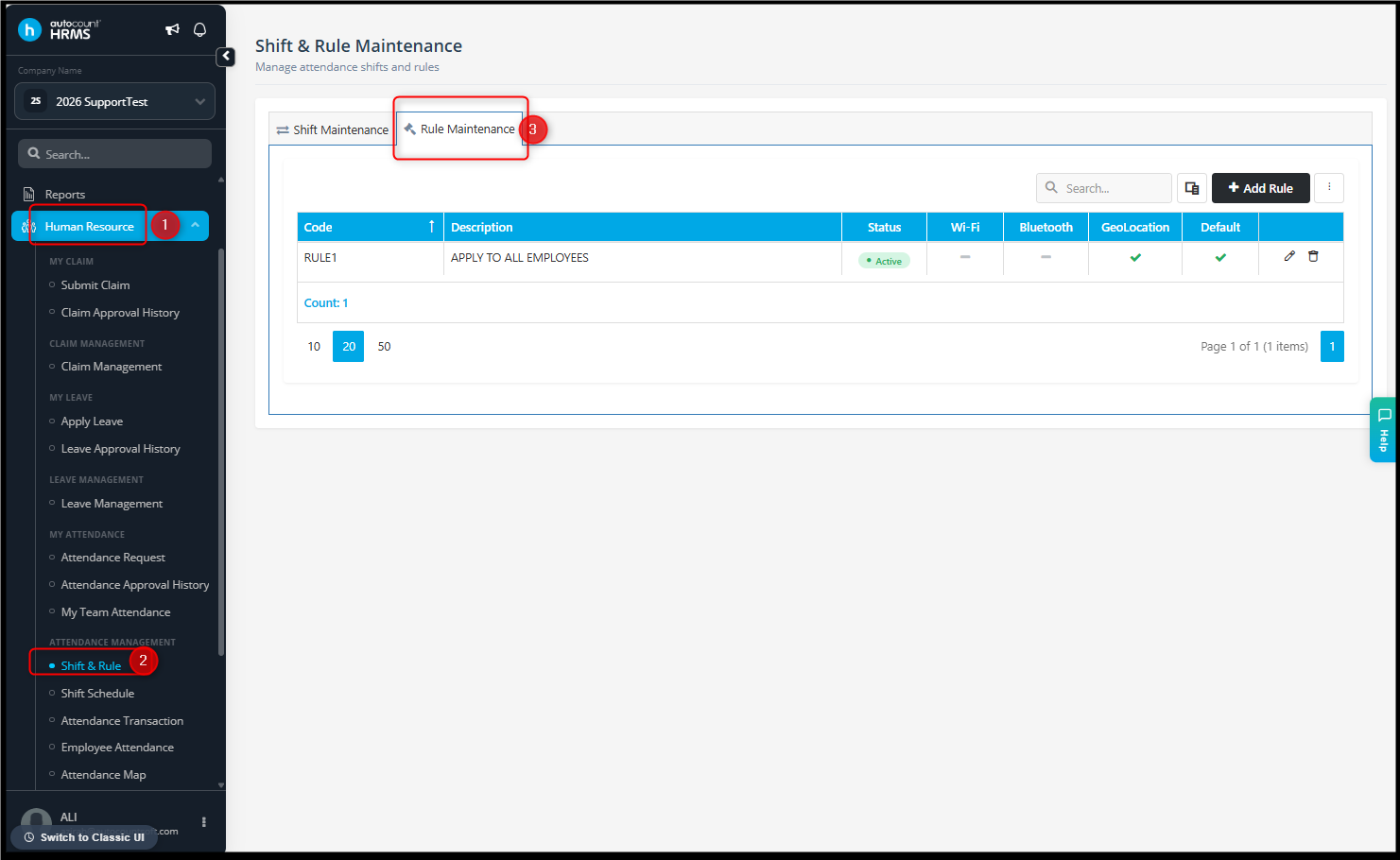
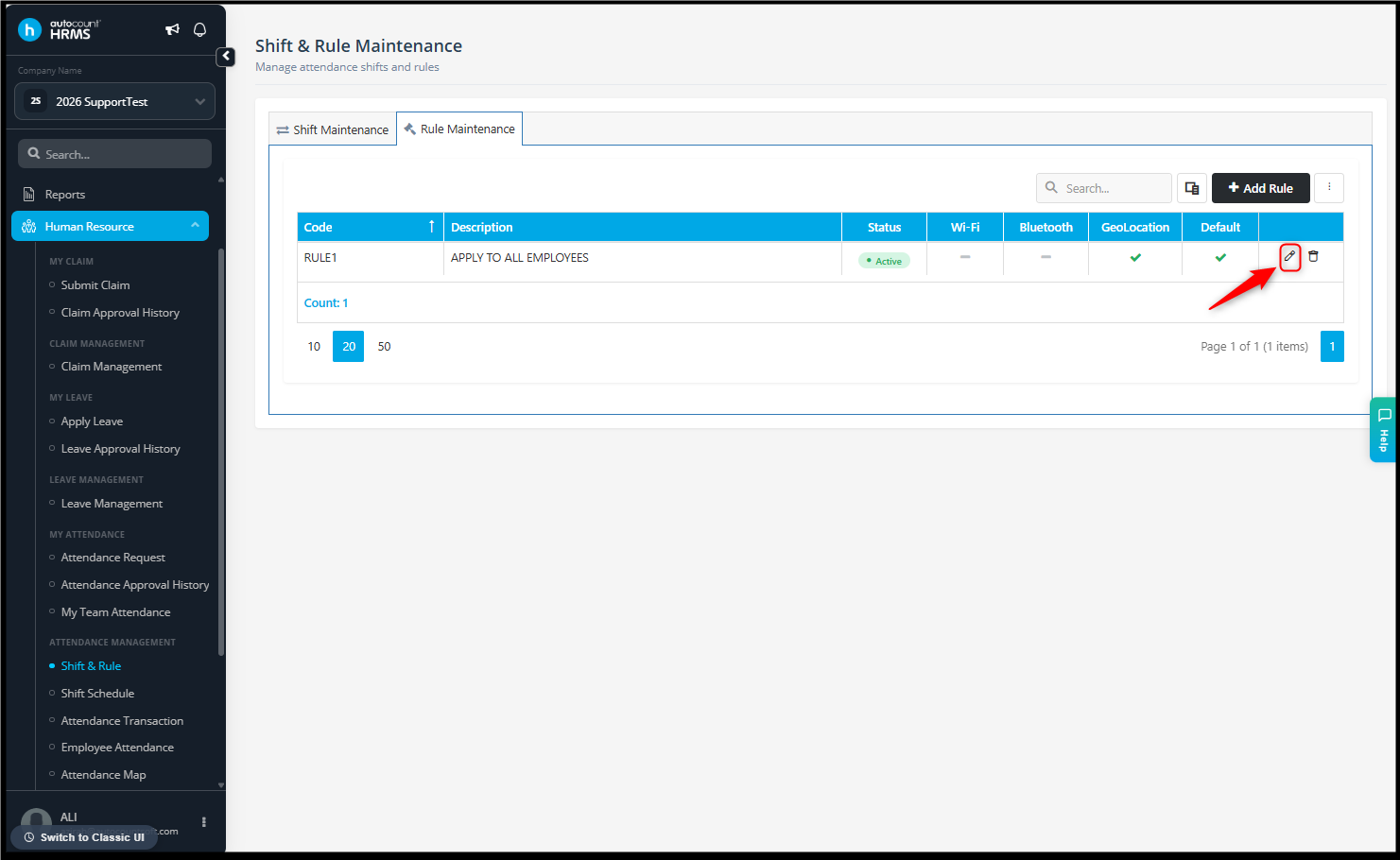
2. Edit the selected rule and look for Configure Clocking Methods > Geolocation.
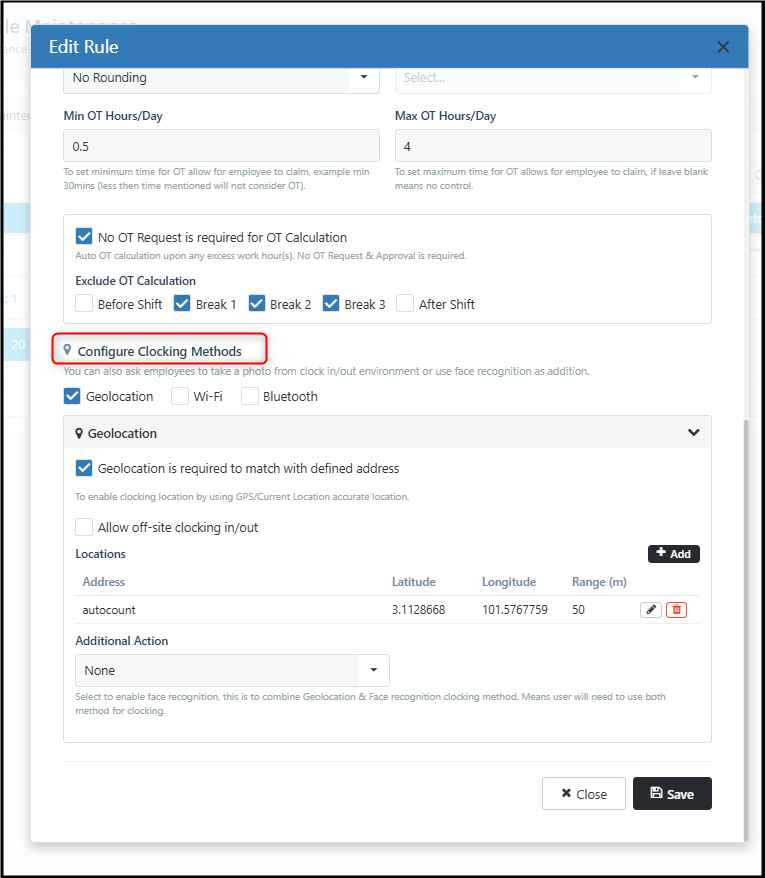
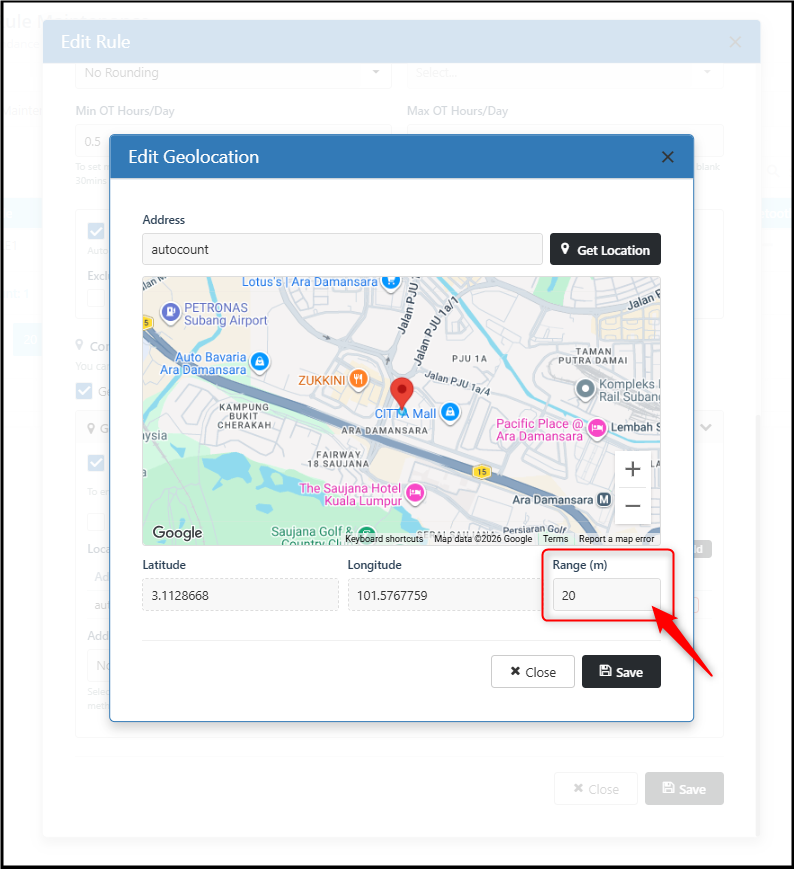
3. Edit the selected location.
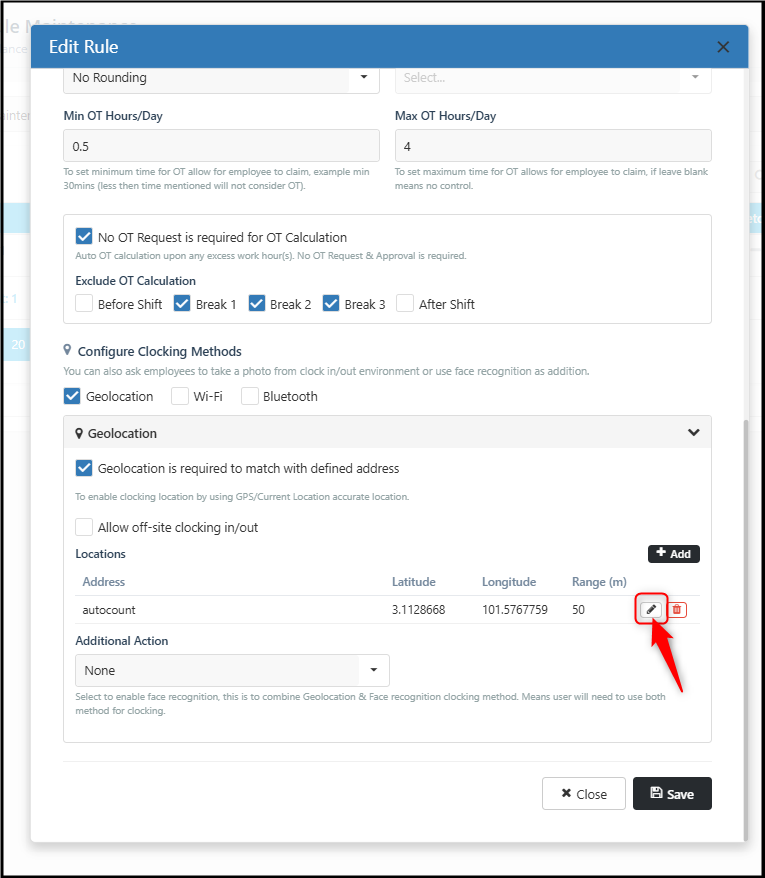
4. Increase the Range (m) to expand the allowed clock in/out raduius.
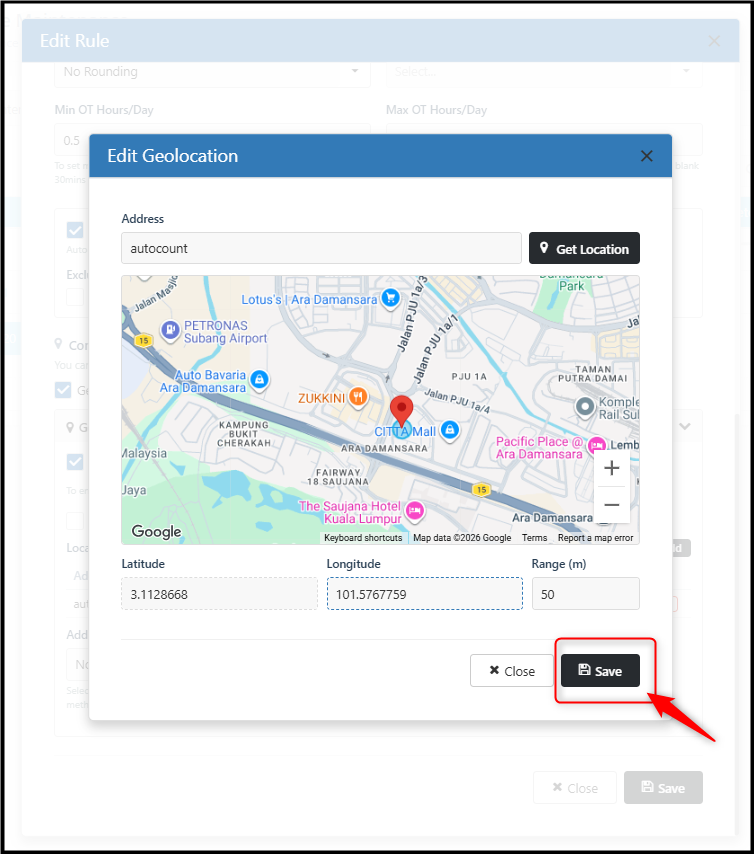
5. Click Save to save the location setting.
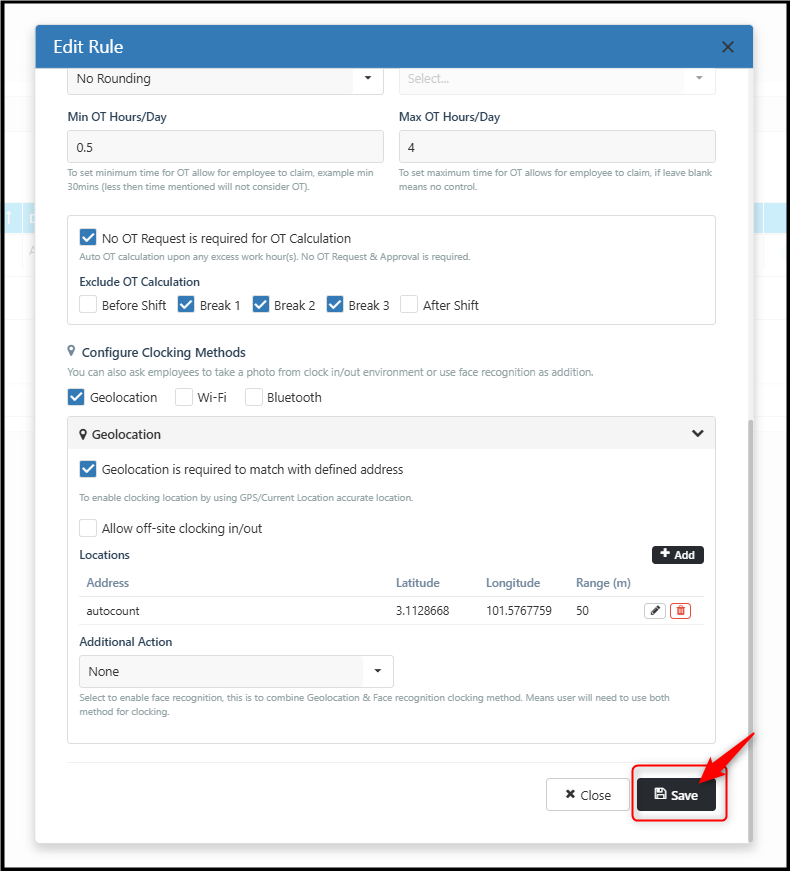
6. Click Save again to save the rule setting.
By Azirah 260818